
Baby photo stickers: physical and digital options
By the Baby Photo Art team · Updated
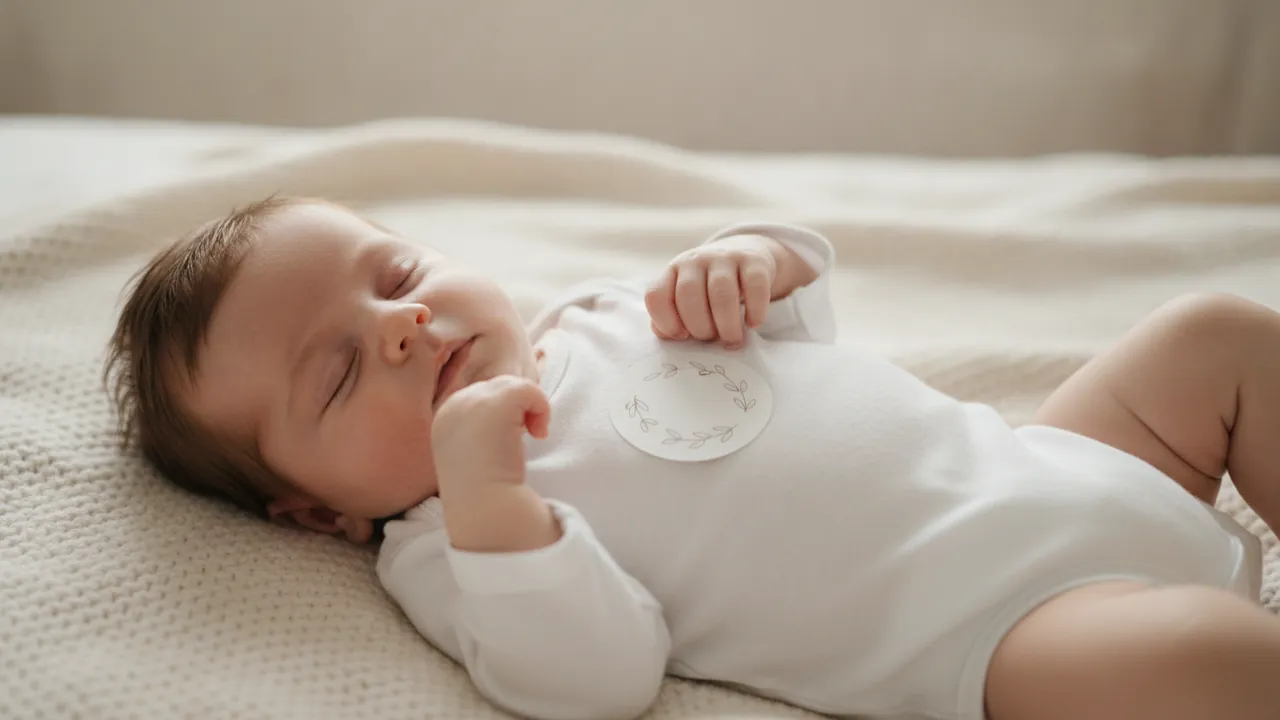
Baby photo stickers come in two kinds. Physical milestone stickers are stuck on the baby's clothes before you take the photo, and digital stickers are added to the picture afterward in an editor. Physical ones look more natural, and digital ones let you change your mind later.
Physical milestone stickers for baby photos
These are the small paper or vinyl stickers with numbers, months or phrases such as "1 month" that go on a onesie. Parents use them in monthly photos because they put the age right in the picture. They also make later collages easy, because the label is already in every photo. Tips for using them:
- Stick them on the chest or belly, on a plain onesie, not on a patterned one.
- Pick a sticker size that reads from a few feet away. Small ones disappear.
- Check the sticker has a gentle adhesive, and never put one where a baby can reach it with a hand and then a mouth. Take it off after the photo.
- Use the same sticker set and the same place for all twelve months.
The monthly baby photos guide shows how stickers fit into the rest of a series.
Digital stickers for baby photos
Digital stickers are images you place over a photo in an editor. Canva, Picsart and many phone editors include them: hearts, stars, balloons, number badges and animal icons. They let you try a layout and move or resize it. They can look pasted on, though, so keep them small and away from the face.
Where to place a milestone sticker on a baby
| Position | Result |
|---|---|
| Corner of the frame | Clean and out of the way, good for a month badge |
| Beside the baby on the blanket | Looks like a real prop |
| Over the baby's face | Hides the best part of the photo, and is hard to remove later |
| Over a hand or foot | Can hide the milestone you wanted to capture |
Digital stickers on a flattened photo cannot be removed once you save and export it. Save the original file and a layered project file if the app offers one, so you can undo a decision later.
Safety notes for baby milestone stickers
For physical stickers, keep them away from the baby's mouth, and never leave a baby alone with one. For digital stickers, remember the usual photo privacy rules. If you upload a photo to an online editor, check the privacy terms, and read whether it is safe to upload baby photos to AI apps.
How to choose a baby milestone sticker style
Milestone stickers come in several looks. Plain numbers in a simple font suit a minimal nursery and read well on a white onesie. Pastel illustrated stickers, such as clouds, moons or animals, add personality. Phrase stickers, such as "Hello, world" or "Little one," work for the first month only. For a series, choose one style and do not mix, since the point is that the twelve photos look like a set.
Baby sticker gift and craft ideas
A set of milestone stickers makes a simple baby shower gift, especially when packed with a blanket and a stuffed animal for scale. For a homemade version, print numbers on sticker paper, or cut felt shapes and use a safe fabric glue. At the end of the year, use the photos with the number stickers in a collage so that the sticker acts as the label.
Do you need baby milestone stickers at all?
Not at all. Many parents use a small chalkboard, a wooden letter set or a card in the photo. Others rely on the file date and add the text afterward in an editor. Pick whichever you will actually do each month, because the best system is the one you keep up.
Where to find baby milestone stickers
Craft shops, baby shops and online marketplaces sell physical sets. For digital use, free versions exist in common photo editors. You can also make your own by writing the age on a piece of paper or cloth. A bit of washi tape on a onesie with a month number does the same job. If you want a printed layout of all twelve photos, use a monthly milestone template. For more ideas see baby photo ideas.
Questions about baby photo stickers
What are baby photo stickers?
Baby photo stickers are either physical stickers placed on clothing before the picture or digital overlays added later in an editor. Month and number stickers are the most common.
Where do you put milestone stickers on a baby?
Place the sticker on the chest or belly of a plain onesie, where the number is easy to read. Avoid collars and sleeves, and remove it after the photo.
Can you remove a digital sticker from a photo later?
Only if you saved the original or a layered project file. After you export a flattened image, the sticker is part of the picture.
Are baby milestone stickers safe?
Use them only for the photo and take them off afterward, because a baby can pull one off and put it in their mouth. Place them on clothing, never on skin.
Can I make my own milestone stickers?
Yes. Write the month on paper, felt or washi tape, or print numbers on sticker paper, and place it on a plain onesie or beside the baby on a blanket.
How many milestone stickers do I need for the first year?
Twelve month stickers cover the first year, plus an optional newborn and first birthday sticker. Many sets include all of these in one pack.