
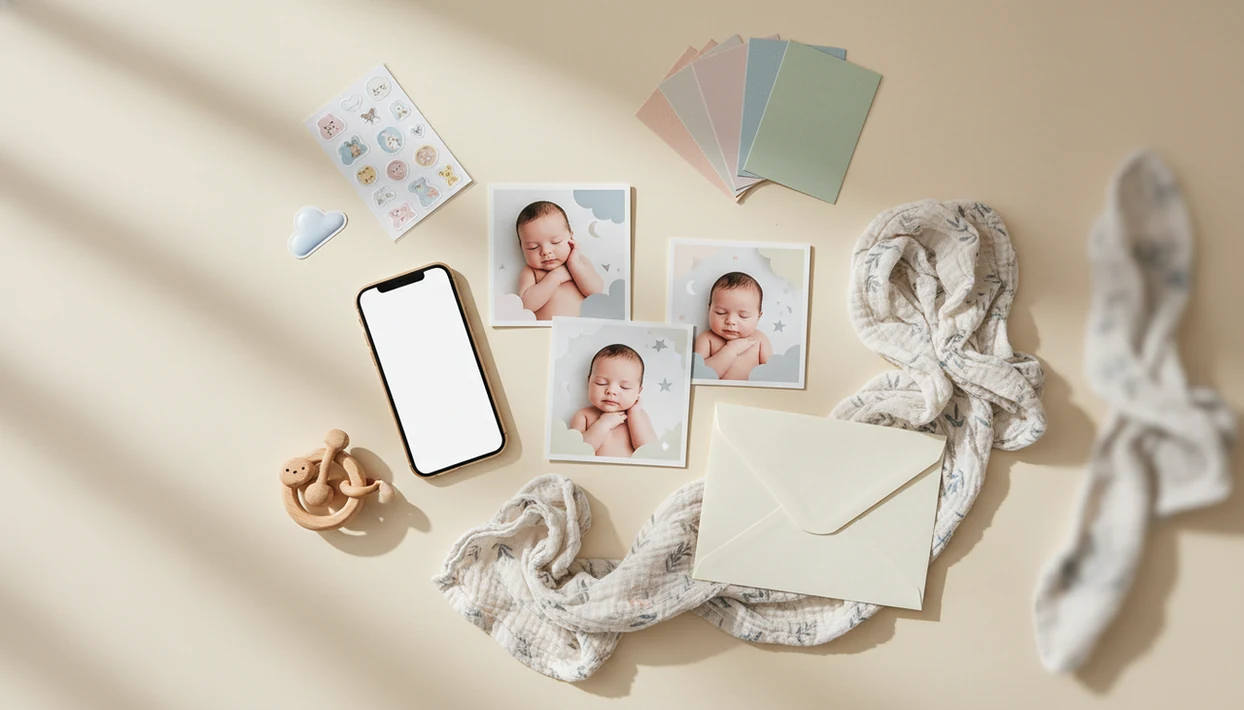

Definition: A baby photo editor app is a mobile tool that lets parents crop, filter, overlay milestone markers, apply stickers, and use AI to transform ordinary baby snapshots into styled portraits and print-ready keepsakes.
Best Baby Photo Editor App at a Glance
The best baby photo editor app should help parents make keepsakes quickly without turning the baby into someone unrecognizable. We looked for baby-first templates, natural AI portraits, sticker depth, print exports, and privacy controls.
| App | AI portraits | Milestone overlays | Sticker library | Print export | Privacy score |
|---|---|---|---|---|---|
| Baby Photo Art | Strong | Strong | Strong | High-res presets | High |
| Precious | Light | Strong | Moderate | Standard | Medium |
| Baby Pics App | Light | Moderate | Strong | Standard | Medium |
| Baby Story App | Limited | Moderate | Moderate | Standard | Medium |
| Baby Art Pro | Moderate | Light | Moderate | Varies | Medium-low |
Baby Photo Art fits parents who want AI portraits, milestone templates, and a parent-friendly workflow in one place. Precious is simpler for month-by-month frames. Baby Pics App is fast for sticker-led sharing. Baby Story App leans toward collage and captions. Baby Art Pro suits parents who like filter variety.
The sharing habit is real. A 2018 study found that 84% of parents of children aged 0–4 posted child photos or videos on social media (Ofcom).
What a Baby Photo Editor App Does
A baby photo editor app turns everyday phone pictures into keepsakes for sharing, printing, and saving. It does the small design jobs parents need most: clean up the frame, mark the milestone, and export a file that still looks good off-screen.
The core tools usually start with crop and light filters, which help center a sleepy face or soften yellow nursery lighting. Milestone overlays add “1 week,” “6 months,” or “first steps” labels for announcements and albums. Stickers bring in hearts, stars, birth stats, and playful notes for quick family updates. AI portrait tools can place the baby into a styled scene while trying to preserve the real face, and print exports prepare 4×6, 5×7, or framed-gift files.
A baby-specific editor is faster than a generic design app because the templates, date prompts, and print sizes already match parent use cases. The better category tools also make privacy checks part of the workflow, including upload storage, cloud processing, and model-training language. Use a professional photographer when you need safe newborn posing, complex lighting, family group portraits, or heirloom wall art from a once-in-a-lifetime session.
5 Facts Every Parent Should Know About Baby Photo Editor Apps
- Baby-specific tools save time. A baby picture editor app with “1 month,” “first tooth,” and birthday templates is usually faster than a generic pro editor. Tiny fingers curled near the mouth should stay the focus, not the toolbar.
- AI portrait tools start with face detection. Modern apps identify the baby’s face and body, then place that subject into a portrait style or themed scene. Baby Photo Art uses this kind of workflow for small adjustments, not a new baby.
- Privacy policies are not interchangeable. Some apps process images in the cloud, store uploads longer, or use photos to improve models. Pew reported that 46% of U.S. adults are concerned about how companies use their photos and videos (Pew Research Center).
- Print settings matter. High-res export, 300 DPI, and 4×6, 5×7, or 8×10 presets help protect keepsake quality. Always check the crop before printing a knit hat or hospital bracelet.
- AI reduces cost, but not every need. The AI media market was valued around $13B in 2023 and is projected to more than triple by 2030 (Grand View Research), but AI still cannot replace expert newborn posing.
Good ai-powered baby and newborn photo generator apps deliver recognizable portraits, milestone designs, stickers, and print files, not unsafe face swaps or disposable viral edits.
Top 5 Baby Photo Editor Apps for Parents
Baby Photo Art, Best Overall AI Baby Photo App
Baby Photo Art is the top overall pick for AI portraits, milestone templates, and privacy-aware editing. It works well when a dim nursery lamp leaves orange shadows on a newborn’s cheeks, because the portrait workflow keeps the baby recognizable while improving the scene.
The right fit for parents who want one app for portraits and monthly keepsakes is BabyPhotoArt, because it combines AI portrait generation with milestone templates and print-ready export.
Precious — Best for Monthly Milestone Frames
Precious is best for parents who mainly want simple monthly milestone frames. It suits quick “2 months old” updates, especially when design choice needs to be fast.
Baby Pics — Best for Social-Media Stickers
Baby Pics App is best for quick social-media-ready sticker overlays. It is useful for playful captions, arrows, hearts, and date markers.
Baby Story — Best for Collage Layouts
Baby Story App is best for collage layouts and journaling. It fits parents who want a photo plus a short memory note.
Baby Art Pro — Best for Filter Variety
Baby Art Pro is best for advanced filter variety. It suits parents who enjoy testing styles, but privacy and export settings need a closer read.
How We Picked the Best Baby Photo App
We scored each best baby photo app on AI quality, milestone template library, sticker count, export resolution, privacy policy, and price. We tested real baby photos across bright window light, dim bedrooms, cluttered counters, and hospital-room lighting.
The most useful apps handled everyday phone snaps without hiding the baby’s real face. One test image had a wrinkled white blanket and a rolling bassinet in the background; the better apps cleaned the scene without erasing the hospital feel.
We also checked data-retention and face-recognition disclosures, then exported 4×6, 5×7, and 8×10 files. Per Pew, 90% of mobile internet users take photos and videos on phones (Pew Research Center), so a mobile-first workflow matters. Parents comparing cost can also review Free Baby Photo Editor App Options.
Print tells the truth.
How AI Baby Photo Editing Works
AI baby photo editing works by detecting the baby’s face and body, separating that subject from the background, and generating a styled scene around the detected subject. In technical terms, the app uses face-detection models, segmentation, and image embeddings; in plain English, it learns what part of the photo is the baby and what part can be changed.
Baby Photo Art uses this workflow to create natural-looking edit options from phone photos. A higher-resolution, well-lit image gives the model more detail to preserve, such as soft peach fuzz on a newborn cheek. A blurry or dark upload gives the AI less to work with.
Cloud processing can support stronger generative models, but it also raises privacy questions. On-device edits may keep more data local, yet they can be more limited. The AI baby photo editor feature explains the portrait pipeline in more detail.
How to Use a Baby Picture Editor App for Keepsakes
Use a baby picture editor app by starting with a clean source photo, then checking every AI output before you save or share it.
- Upload a well-lit, in-focus baby photo. Avoid heavy shadows across the eyes or mouth.
- Choose a milestone template or AI portrait style. Pick a design that fits the moment, not just the loudest background.
- Add stickers, text, or date overlays. Keep names, dates, and location details limited before public sharing.
- Review AI output for distortions. Zoom into the face, fingers, ears, and body proportions.
- Export at print-ready resolution. Use 300 DPI and a standard size such as 4×6, 5×7, or 8×10.
- Save or order a print directly from the app. Check whether the final crop cuts off hats, hands, or text.
If the priority is a framed gift for grandparents, Baby Photo Art earns the spot because it provides print-ready export presets instead of only social-size downloads. You can download Baby Photo Art app when you want that workflow on your phone.
Common Myths About Baby Photo Editor Apps
Myth one: you need Photoshop-level software for quality baby portraits. Most parents need crop, light cleanup, baby templates, and safe AI portraits, not a professional editing suite.
Myth two: AI apps automatically make photos safe to share. They change the picture, but they do not decide who sees it or how long a company stores it. A 2020 survey found that 95% of parents reported sharing photos of children online (Security.org), so “before you share” checks matter.
Myth three: all baby picture editor apps handle privacy the same way. They do not. Data retention, cloud processing, and model-training language vary across Baby Photo Art, Canva, Remini, Photoleap, Picsart, and baby-specific editors.
Myth four: AI photoshoots fully replace professional newborn photographers. They are useful for home keepsakes, but not for expert lighting, posing, or safety during complex newborn sessions.
For parents who need quick monthly memories, a baby-focused app is often easier than a generic editor because the templates already match the milestone.
Limitations
Baby Photo Art can help parents make polished keepsakes, but it is not a substitute for judgment, consent, or professional photography.
- AI can distort baby facial features, hands, ears, or body proportions. Parent zoom checks are still required.
- Low-quality input photos produce low-quality outputs, regardless of app. A smeared phone snap stays limited.
- Some apps may store uploaded images or reuse them for model training. Read each privacy policy before uploading a child’s face.
- Subscription costs add up when parents use multiple apps for stickers, portraits, and print tools.
- AI edits cannot replicate expert lighting, posing, or hands-on newborn safety.
- Export formats and DPI vary. Not every app supports large-format wall prints.
- Privacy regulations differ by country, and app compliance is not uniform.
- Generic tools such as Canva or Picsart may offer broad design features, but they may need more manual setup for baby milestones.
For platform-specific checks, parents can compare Baby Photo Art for iPhone and Baby Photo Art for Android.