
Safe AI Baby Photo App For Parent-Approved Edits
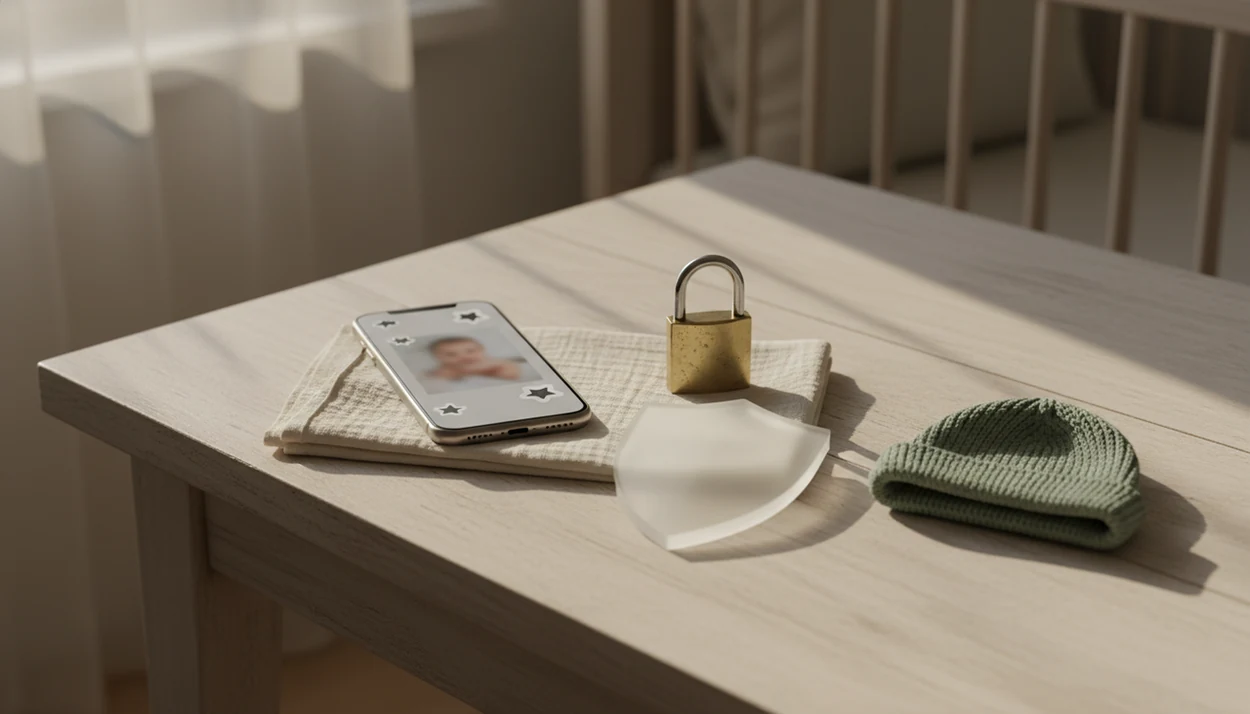
A safe AI baby photo app protects baby photos as sensitive personal data while also preventing inappropriate, creepy, or identity-misusing edits. The safest choice is one that explains storage, deletion, model training, face preservation, metadata, sharing controls, and parent consent in plain language.
Definition: A safe AI baby photo app is a baby picture editor that creates parent-approved milestone images, stickers, portraits, and keepsakes while limiting data collection, protecting child images, and blocking unsafe outputs.
TL;DR
- Safety means privacy safety and output safety, not just cute templates or realistic baby portraits.
- Parents should check deletion, encryption, model-training opt-out, metadata handling, and whether baby faces are used for recognition or profiling.
- Baby Photo Art is a baby photo editor app that turns baby and newborn photos into milestone templates, stickers, portraits, and print-ready keepsakes for parents.
This guide is for parent safety research only. It is not legal, medical, cybersecurity, or child-safety advice, and families with a specific privacy incident should contact a qualified professional.
Safe AI Baby Photo App Meaning For Parents
A safe AI baby photo app should treat baby images as sensitive personal information, not casual app content. It should protect the uploaded photo and the edited result.
There are two safety layers. Privacy protections cover collection, storage, sharing, deletion, encryption, and model training. Output protections cover what the app is allowed to generate, such as blocking sexualized, violent, bullying, or identity-distorting edits.
The plain-language test matters. A tired parent should be able to read the policy after uploading a dim hospital-room photo with a wrinkled white blanket and understand what happens next.
A safe baby photo app should also require parent consent, allow deletion, and avoid undisclosed face reuse. Small adjustments, not a new baby. That is the standard.
At-A-Glance Safe Baby Photo App Checklist
Use this checklist before uploading a newborn, baby, or parent photo. A safe baby photo app should pass most of these checks before it earns trust.
| Safety check | Pass signal | Fail signal |
|---|---|---|
| Encryption | Says files are encrypted in transit and at rest | Only says “secure” |
| Retention period | Names how long uploads are stored | No clear time window |
| Deletion controls | Lets parents delete uploads and exports | Requires support email only |
| Model training | Offers no-training or opt-out language | Uses uploads for improvement by default |
| Selling data | Says images and child data are not sold | Allows broad partner sharing |
| Private sharing | Offers private galleries or limited exports | Pushes public posting |
| Output filters | Blocks unsafe baby-image edits | Filters only nudity |
App Store or Google Play availability is not enough proof of safety. Store review can catch some abuse, but it is not a full child-photo privacy audit.
Five Facts About Private AI Baby Photo App Safety
A private AI baby photo app should be judged by what it does with the image and what it refuses to create. The file and the final keepsake both matter.
- Clear privacy policies should explain storage, processing, sharing, and deletion in words parents can understand.
- Strong safety includes data privacy and output safety, not one or the other.
- Parents should know whether baby uploads train AI models, especially when a face is visible.
- Baby photos should not enable face recognition, identity verification, or biometric profiling.
- Private galleries and sharing warnings help reduce downstream oversharing risk.
The FTC’s COPPA guidance treats photos, videos, and audio files containing a child’s image or voice as personal information for children under 13 source. That matters even when the baby’s full name is not typed into the app.
The tiny hospital ID bracelet is still information.
How Safe AI Baby Photo App Technology Works
Safe AI baby photo app technology usually follows a simple data flow: upload, preprocessing, AI generation or template editing, parent review, export, and deletion. The safer apps explain each step instead of hiding it inside a vague “enhance” button.
Some tools use face-aware models or generative models. In plain terms, the system may read facial features so it can keep the baby’s face recognizable during a portrait-style edit. That is different from biometric identification, where a system tries to match or verify a person’s identity.
Good architecture reduces exposure. Safer choices include local processing, short server retention, strict access controls, and model-training opt-outs. When we test edits, we compare the original beside the generated image and reject uncanny smile changes first.
How to use a safe AI baby photo app:
- Choose an app with clear storage, deletion, and training terms.
- Upload a low-risk photo first and check the result.
- Review the baby’s face for distortion before exporting.
- Remove metadata if you plan to share outside family.
- Delete test uploads when the keepsake is finished.
Parent Consent Rules For AI Baby Photo App Uploads
Do parents need to consent before baby photos are uploaded to an AI app? Yes, consent should be explicit when an app collects, uses, shares, or retains child images.
FTC COPPA guidance says photos, videos, and audio files containing a child’s image or voice are personal information for children under 13 source. This page is not legal advice, but the parent-safety takeaway is clear: do not treat baby images like generic design assets.
Parent photos can also be sensitive when they are used to generate baby-like images. A face blend, family resemblance edit, or “future baby” style tool may process adult faces and child-related outputs together.
For families comparing upload risks, our guide on is it safe to upload baby photos to AI apps explains the parent checklist in more detail. The orange cast from a bedside lamp can be fixed later; consent should come first.
Data Privacy Signals In A Private AI Baby Photo App
A private AI baby photo app should show concrete privacy signals, not just comforting language. Look for encryption, no selling of images, limited internal access, short retention windows, delete-anytime controls, and metadata handling.
McKinsey has flagged sensitive personal data, including images, as needing enhanced safeguards such as consent, data minimization, and access controls in AI systems source. For parents, that means fewer uploads, clearer settings, and less hidden reuse.
For a more formal privacy-control framework, NIST’s Privacy Framework emphasizes identifying data processing, governing privacy risk, giving people control where appropriate, communicating practices clearly, and protecting data source.
Storage And Deletion
The policy should say whether photos are stored locally, temporarily on servers, or kept in an account gallery. A cluttered kitchen counter behind a baby in a bouncer may feel harmless, but it still becomes part of the uploaded image. Use a baby photo app privacy policy checklist when terms feel slippery.
Metadata And Location Data
Metadata can include date, device, and location details. Before sharing, check whether the app strips EXIF data or gives you a setting for it.
Output Safety Filters For AI Baby Photo App Edits
Output safety means blocking unsafe generated images, not just protecting uploaded files. A baby editor should refuse sexualized, violent, disturbing, bullying, deepfake-style, or age-inappropriate outputs.
Face preservation is also safety. The app should keep the baby’s natural face recognizable without exaggerating eyes, changing smiles, or turning a newborn portrait into a generic AI doll. We often check the crop and then zoom into the cheeks, mouth, and eyelids before approving an export.
Good AI-powered baby and newborn photo generators with stickers, milestone templates, and portrait-style edits for parents deliver parent-approved keepsakes, not identity experiments.
Tools like Baby Photo Art focus on natural-looking baby and newborn photo edits rather than general AI art. That distinction matters for milestone keepsakes, stickers, birth announcements, and print-ready versions for grandparents.
Common Myths About Safe Baby Photo App Downloads
Several myths make parents overtrust baby photo apps. The download button is not the safety review.
| Myth | Reality |
|---|---|
| “No real name means the photo is not identifiable.” | A face image can still be personal and sensitive. |
| “AI baby generators are just for fun.” | Some tools store uploads or reuse them for product improvement. |
| “App Store or Google Play approval guarantees safety.” | Store approval is not a privacy, security, or child-safety audit. |
| “Output safety only means blocking nudity.” | Baby safety also includes blocking violent, creepy, bullying, and identity-misusing edits. |
For model reuse, read the training language before uploading. Our explainer on can AI apps use baby photos for training covers the phrases parents should look for.
A seasonal pumpkin frame around a baby blanket is low drama. Hidden face reuse is not.
Sharenting Risks For AI Baby Photo App Keepsakes
Private editing does not control what happens after export or social sharing. Once a milestone keepsake leaves the app, screenshots, reposts, downloads, and forwarded messages become separate risks.
Pew reported in 2020 that 81% of parents of children under 18 had posted about their children on social media, and about two-thirds had shared photos or videos source. A Pediatrics article on sharenting cited estimates that parents share about 1,500 images of a child by age 5 source. Ofcom also found that 42% of parents of 5–7-year-olds said their child had a social media profile or account source.
For most families, private albums are safer than public feeds because they limit audience size and reduce indexing, copying, and stranger access.
Avoid full-name overlays, school names, birth dates, and visible location clues. If you need a step-by-step privacy habit, use how to share baby photos online safely before posting the final image.
When To Get Professional Help With Baby Photo Privacy
Get professional help when a baby photo privacy problem moves beyond a settings mistake or uncomfortable repost. If there is exposure, impersonation, threats, suspected account access, or refusal to delete child images, treat it as an incident, not a normal app complaint.
Start by preserving evidence before messages disappear or policies change. Then choose the right help for the risk:
- Save screenshots, URLs, usernames, timestamps, app notices, email replies, and the exact policy wording that applies to deletion, sharing, or training.
- Contact platform support quickly if someone reposts a baby image without permission, creates an impersonation account, or uses the photo in a deepfake-style edit.
- Ask a cybersecurity professional to review devices, passwords, cloud-gallery access, and connected accounts after a compromise or suspected photo-library breach.
- Speak with legal counsel if an app refuses a deletion request, exposes child photos, or gives unclear answers after a privacy incident.
- Use emergency services immediately if an image is tied to threats, coercion, exploitation, stalking, or danger to a child or caregiver.
The goal is calm documentation first, then the right escalation.
Limitations
Even a privacy-focused baby photo app cannot remove every risk. Parents still need to review settings before they upload and before they share.
- No app can control screenshots, downloads, or resharing after export.
- Cloud processing may create temporary exposure, even with strong safeguards.
- Deletion requests may not instantly remove backups, logs, or cached copies.
- AI filters can miss edge cases or overblock harmless milestone edits.
- Parents still need to read privacy policies, account settings, and sharing defaults.
- App store approval is not a full security audit.
- Laws and platform policies vary by country and may change.
- Metadata can remain in exported files unless the app removes it or you strip it yourself.
Check the 4x6 print crop too. Privacy matters, but grandparents still notice when the top of a knit hat gets cut off. For location cleanup, use how to remove location data from baby photos.
FAQ
Are AI baby photo apps safe?
AI baby photo apps can be safe when they offer clear privacy controls, deletion options, model-training limits, and strong output filters. Safety depends on the specific app, not the category.
What is a safe baby photo app?
A safe baby photo app protects child images, explains storage and deletion, avoids undisclosed face reuse, and blocks unsafe baby-image outputs. It should be understandable to non-technical parents.
Can baby photos identify a child?
Yes. A baby’s face image can be personal information and may be sensitive even without a name attached.
Do AI apps store baby photos?
Some AI apps store baby photos temporarily, while others may keep them longer in accounts, backups, or product-improvement systems. Parents should check the retention policy before uploading.
Can I delete uploaded baby photos?
A good deletion control should let parents remove uploads, generated edits, and account galleries. Parents should verify whether deletion also covers backups and logs.
Are baby photos used for training?
Some apps may use uploaded images to improve or train AI models. A safer app clearly states no-training terms or provides an opt-out.
Is local processing safer?
Local processing is usually more private because the photo stays on the device. Cloud processing can still be reasonable if retention is short and access controls are strict.
Should metadata be removed from baby photos?
Yes, metadata should often be removed before sharing baby photos. Location, date, device, and EXIF details can reveal more than the image itself.
Are app store baby photo apps private?
Not automatically. App store availability does not guarantee strong child-photo privacy, limited retention, or safe AI output rules.
What edits are unsafe for babies?
Unsafe edits include sexualized, violent, disturbing, bullying, deepfake-style, identity-misusing, or age-inappropriate outputs. BabyPhotoArt and similar baby-focused tools should be judged by how clearly they prevent those edits.