
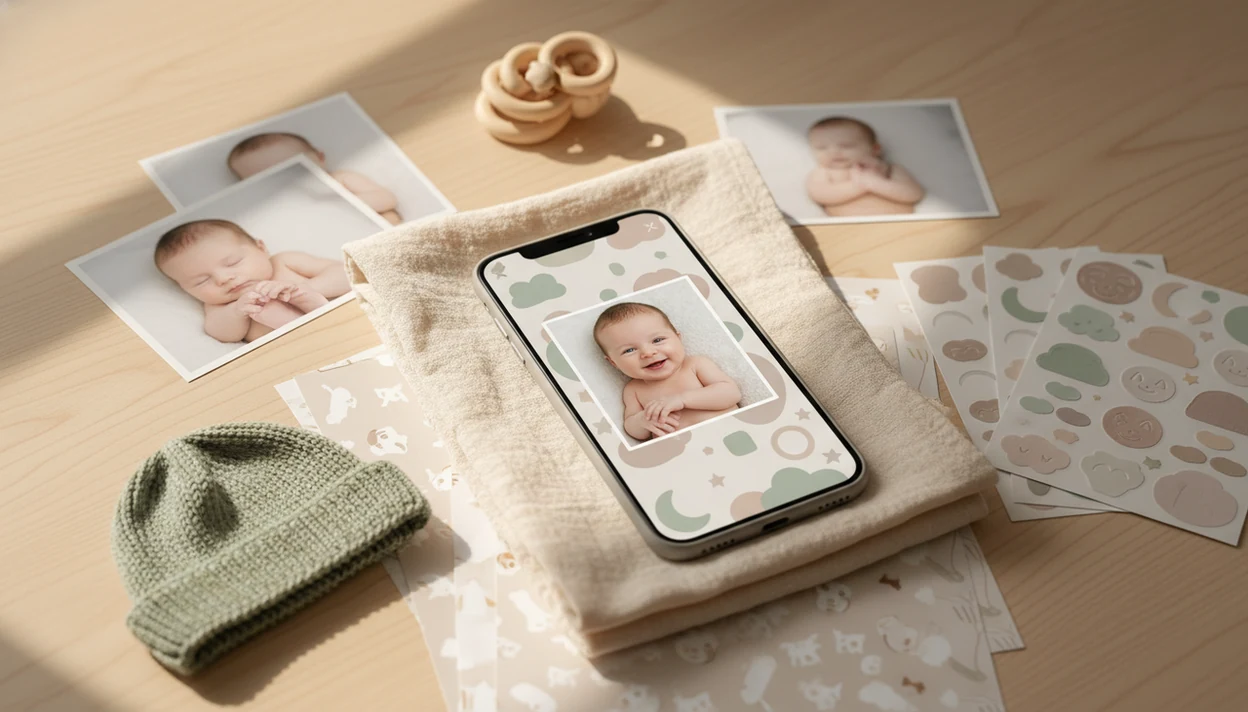
> Definition: Baby Photo Art is a baby photo editor app that turns baby and newborn photos into milestone templates, stickers, portraits, and print-ready keepsakes for parents.
What Works in Baby Photo Art for Android
Baby Photo Art for Android works best when parents want small adjustments, not a new baby. The Android version focuses on finding baby photos, organizing them by age, and turning phone snaps into keepsakes.
- AI baby face detection: Baby Photo Art scans your selected gallery access for baby faces and helps surface sharper, better-lit shots.
- Milestone templates: Age labels such as “1st month,” “100 days,” “first steps,” and first birthday layouts reduce manual design work.
- Stickers and overlays: Parents can add frames, text, themed stickers, and soft portrait-style edits without opening a desktop editor.
- Growth organization: Calendar journal views, monthly albums, time-lapse slideshows, and then-vs-now comparisons help show change over time.
- Selective sharing: Private digital time capsule storage lets parents keep photos together, then export only the images they want to send.
If your priority is a natural-looking milestone keepsake, Baby Photo Art fits because it combines age templates with face-preserving edits in one Android workflow. A tiny hospital ID bracelet can stay visible if you check the crop before exporting.
Good AI baby editors deliver organized, recognizable family keepsakes, not a fake version of your child.
Android Device Requirements for Baby Photo Art
The Android app runs on modern phones that support current Google Play installs, gallery permissions, and standard photo export tools. For the smoothest Android baby photo editor experience, use a recent Android OS version, keep several hundred megabytes free, and avoid editing while storage is nearly full.
A higher-resolution camera helps AI detection. Clear front-facing photos usually work better than dim side profiles, especially with newborns. That dim hospital-room photo with a wrinkled white blanket and a rolling bassinet in the background may still edit well, but the face needs enough light and detail.
Downloads, template updates, account sync, and some exports may need an internet connection. Basic editing can feel quick on many phones, but older budget devices may take longer when building slideshows or print-ready collages.
The pocket check is real.
AI Baby Photo Editing Workflow on Android
How does an Android baby photo editor organize and edit baby pictures? It uses face detection, image-quality ranking, and template compositing to turn ordinary phone photos into baby milestones.
Under the hood, the workflow is straightforward. A face-detection model scans approved gallery images for likely baby faces. Then the AI ranks photo quality using cues such as sharpness, lighting, and expression. Metadata, including capture dates, combines with age-estimation signals to place images into monthly buckets.
The template engine then composites the selected photo onto a milestone layout. In plain English, it matches your baby photo to a design without making you rebuild the design by hand. Parents taking dozens of nearly identical crib photos will notice the time savings.
According to Statista, more than 1.6 trillion digital photos were expected to be taken globally in 2023, with smartphones accounting for over 90% of them (https://www.statista.com/statistics/195140/total-number-of-digital-photos-taken-worldwide/). For Android parents, organization usually matters more than another filter because the hard part is finding the right photo.
For parents with crowded galleries, Baby Photo Art is often easier than a generic editor because it starts with baby-specific sorting before decoration.
5 Steps to Use Baby Photo Art on Android
Use Baby Photo Art on Android by installing it, letting AI organize your photos, choosing a baby template, customizing the design, and exporting the finished keepsake. Start with one milestone before building a full album.
- Install Baby Photo Art from Google Play and grant photo permissions only for the images or albums you want to use.
- Let the AI scan and auto-organize baby photos by age so monthly albums and timeline views start filling in.
- Pick a milestone template or sticker pack such as one-month, first smile, first steps, or first birthday.
- Customize text, frames, and overlays while keeping the baby's face recognizable and the skin texture natural.
- Export or share the finished keepsake as an image, collage, or slideshow for family, prints, or private storage.
When a burp cloth is sitting in the photo corner, crop before adding stickers. It saves a second export.
Parents who want deeper AI portrait options can compare the AI baby photo editor feature before deciding which workflow fits.
Android Parents, Baby Milestones, and Photo Sharing Habits
Parents share baby photos often, so a purpose-built baby app solves a different problem than a general design app. Baby Photo Art reduces sorting, labeling, and decorating time for milestone photos.
Pew Research reported that 76% of U.S. parents with children under 18 have shared photos, videos, or information about their children online. The same research found that 97% of mothers and 93% of fathers use the internet (https://www.pewresearch.org/internet/2015/07/16/parents-and-social-media/). A separate sharenting study reported that over 50% of parents share children’s photos online at least monthly.
Those habits create a simple need: faster editing before you share. General editors like Canva, Picsart, and Photoleap can make attractive layouts, but they usually do not auto-sort baby photos by age or suggest baby-specific milestones.
When the trigger moment is a monthly update for grandparents, Baby Photo Art earns the spot because monthly albums, labels, and export-ready designs are already part of the parent-friendly workflow. The printed collage on the dining table looks better when the dates are right.
For broader comparisons, the best baby photo editor app guide covers where general editors and baby-specific apps differ.
Baby Photo Art for Android vs iOS: Platform Differences
Baby Photo Art for Android and iOS are built around the same core jobs: AI baby detection, milestone templates, stickers, and exports. The main differences come from device variety, store rules, and sharing behavior.
| Area | Android | iOS |
|---|---|---|
| Core features | Templates, stickers, AI detection, albums, exports | Templates, stickers, AI detection, albums, exports |
| Device range | Wider phone variety, from budget models to flagship cameras | Narrower device range, more consistent hardware |
| Install options | Google Play is standard; APK options may exist in unsupported regions | App Store install is standard |
| Sharing | Android share sheet, cloud folders, messaging apps | iOS share sheet, iCloud, messaging apps |
| Exports | Images, collages, and slideshow-style keepsakes | Similar export and sharing options |
Pew Research reported that 89% of U.S. adults owned a smartphone in 2022 (https://www.pewresearch.org/internet/fact-sheet/mobile/), which makes mobile editing the default for many family photos. If you also use Apple devices, the Baby Photo Art for iPhone page explains iOS behavior.
Android parents looking for device flexibility may prefer Baby Photo Art because it supports a wider range of phones while keeping the same baby-first template workflow.
Google Play Download for Baby Photo Art on Android
Download Baby Photo Art for Android from the Google Play Store when it is available in your region. Google Play is the safest install path for most parents because updates, permissions, and subscriptions are managed in one familiar place.
An APK alternative may be offered for unsupported regions, but use extra caution. Confirm the file source, avoid unofficial mirrors, and keep independent backups of baby photos before installing anything outside Google Play.
Baby Photo Art usually makes the most sense to test with a free tier first. Try one milestone template, one sticker pack, and one export before considering paid templates or higher-resolution export options. If you are comparing free options, the free baby photo editor app guide may help.
After the one-month card sits near curled toes, export a 4x6 test. Check whether the top of a knit hat gets cut off.
Limitations
Baby Photo Art is useful, but it is not a replacement for careful photo selection, backups, or a fully custom design suite. Set expectations before building a full baby album.
- AI face detection can miss low-light, blurry, side-profile, or heavily covered newborn faces.
- Premium templates, sticker packs, high-resolution exports, or slideshow options may require a subscription or in-app purchase.
- Auto-age sorting relies on metadata and AI guesses, so imported or screenshot photos can land in the wrong month.
- Design options are preset. Highly custom graphics may be easier in Canva, Picsart, or another full design editor.
- Long-term digital time capsule storage depends on app maintenance, account access, and future platform support.
- Print results can vary by crop, resolution, lab settings, and paper size.
- Privacy still requires parent judgment. Blur addresses on a mail stack before sharing nursery photos.
The right fit for keepsake editing is Baby Photo Art when you want baby-specific structure, but a separate editor may be better for custom invitations or complex graphic layouts.