
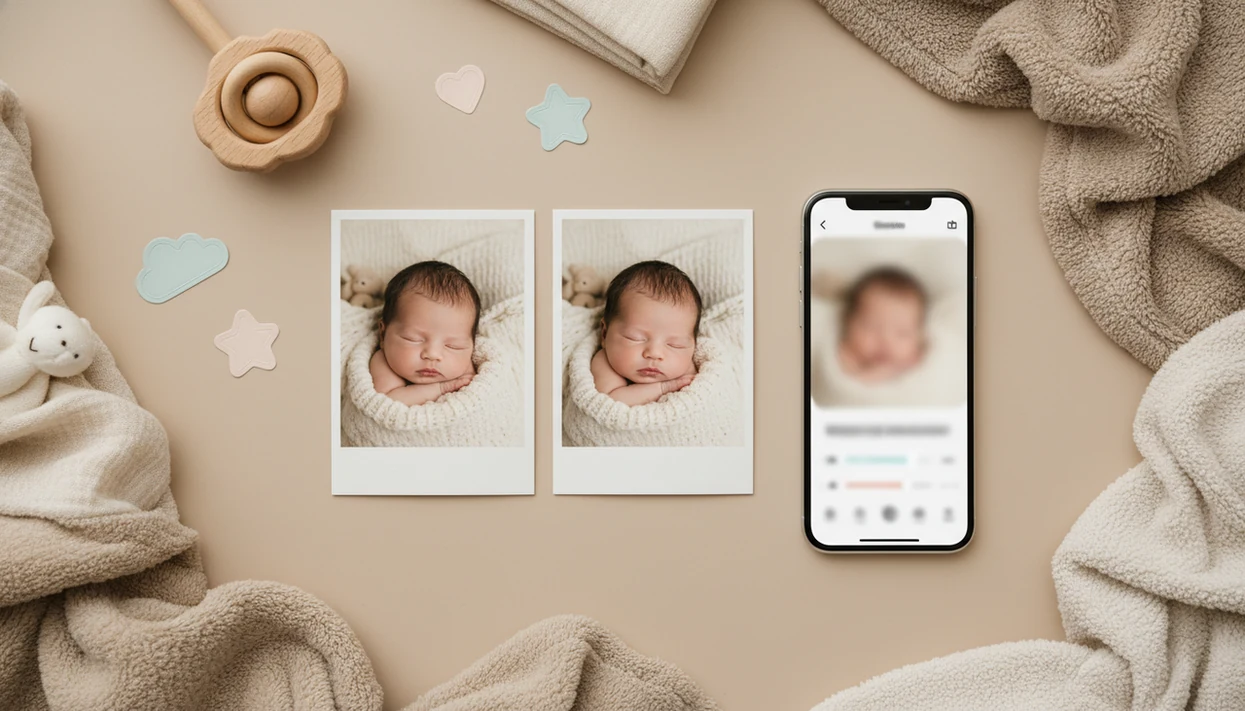

An AI baby photo editor feature is a specialized tool inside a baby photo app that automatically detects infants in images and applies gentle, face-preserving enhancements, including lighting correction, background cleanup, soft skin smoothing, and milestone overlays, tuned specifically for newborn and toddler photos.
- Infant-tuned AI preserves your baby's real face while fixing lighting, skin, and clutter
- Combines enhancement with stickers, milestone templates, and portrait-style edits in one tap
- Designed with safe editing boundaries, no facial reshaping, skin-tone alteration, or body-size changes
- Works on quick phone snapshots, not just studio photos
- Parents retain control over how images are processed and stored
At-a-Glance: 5 Facts About the AI Baby Photo Editor Feature
- Machine learning recognizes the baby first, then applies infant-optimized changes to exposure, color, skin texture, and background clutter.
- Natural-looking edit quality depends on restraint; the face, eye shape, smile, cheeks, and body size should stay recognizable.
- Baby Photo Art combines AI baby photo editing with stickers, text, and milestone templates, so one phone snap can become a monthly card or family keepsake.
- Safety matters because baby images are sensitive personal data, so parents should check processing, storage, deletion, and model-training controls before they share.
- AI refines what exists; it cannot fully fix a photo where the face is hidden, the room is nearly dark, or kicking feet blur across the blanket.
If your priority is a polished keepsake that still looks like your child, Baby Photo Art fits because its enhancement flow keeps the baby's face recognizable before adding templates or stickers.
What the AI Baby Photo Editor Feature Does
The AI baby photo editor feature turns everyday baby pictures into cleaner, more shareable keepsakes while keeping your child recognizable. It works best on real parent photos, including phone snapshots, crib-side pictures, and nursery lighting that is a little too warm, dim, or uneven.
- Start with lighting correction to lift shadows, calm yellow bedside-lamp color, and make the baby's face easier to see for prints, announcements, or family albums.
- Use gentle skin cleanup to reduce temporary redness, crumbs, or small distractions without erasing normal newborn texture or making cheeks look plastic.
- Clean the background by softening clutter, blankets, toys, or room edges so the focus stays on the baby in milestone cards and portrait-style exports.
- Add overlays only after the natural edit looks right, using stickers, age labels, frames, or text for monthly photos, first birthdays, and seasonal memories.
Baby Photo Art intentionally avoids infant edits that reshape the face, change eye shape, alter skin tone, slim the body, or create an unrealistic “beauty” version of a baby. The outcome should feel like the same moment, just calmer and ready to keep.
How the AI Baby Photo Editing Pipeline Works
A true AI baby photo editing pipeline detects the baby, separates the subject from the scene, then applies local corrections instead of one flat filter. The goal is small adjustments, not a new baby.
Face Detection and Infant Segmentation
The system first uses face detection and infant segmentation. In plain terms, it finds the baby's face, skin, blanket, clothes, and background as different regions. That matters when a dim hospital-room photo has a wrinkled white blanket and a rolling bassinet in the background. The baby should brighten; the whole room should not turn neon.
Tone Mapping, Denoising, and Skin Smoothing
Next comes local tone mapping, denoising, and gentle skin smoothing. Tone mapping balances dark and bright areas. Denoising reduces grain from low indoor light. Skin smoothing should have a ceiling, especially on newborn cheeks with normal texture.
Good AI-powered baby and newborn photo generators with stickers, milestone templates, and portrait-style edits deliver gentle cleanup and keepsake design, not adult beauty retouching or a redesigned child.
How to Use the AI Baby Photo Editor Feature in Baby Photo Art
Use Baby Photo Art with a clear starting photo and a quick parent review before saving. A visible face matters more than a tidy room.
- Upload or capture a baby photo with the face visible and the lighting reasonably even.
- Select an AI enhancement preset, such as portrait, milestone, or sticker mode.
- Review the auto-applied edits to lighting, skin texture, shadows, and background cleanup.
- Add milestone templates, baby sticker packs, or text overlays after the basic enhancement looks natural.
- Preview the before-and-after view, then reduce intensity if cheeks look too smooth or eyes look over-bright.
- Save or share the final keepsake, and check the crop if you need a print-ready version.
On days when the only good smile has a cluttered kitchen counter behind the bouncer, BabyPhotoArt handles the cleanup through a parent-friendly workflow that separates enhancement from decoration.
Best Baby Photo Enhancement Use Cases for Parents
The strongest use cases are everyday baby photos that almost worked: poor nursery lighting, a distracting background, or a milestone moment captured too quickly. The most useful baby photo enhancement feature usually improves lighting and composition more than it changes the subject.
Pew Research Center's Mobile Fact Sheet reports that 90% of U.S. adults own a smartphone, which supports why most parent photo editing starts on a phone (https://www.pewresearch.org/internet/fact-sheet/mobile/). Pew's Social Media Fact Sheet also shows large U.S. audiences on major platforms, including YouTube, Facebook, Instagram, and TikTok, which helps explain why parents often want a safer edit before sending photos to family or posting privately (https://www.pewresearch.org/internet/fact-sheet/social-media/).
Anyone dealing with monthly cards, first steps, or grandparents' prints can use Baby Photo Art because it pairs AI enhancement with milestone layouts and print-ready export. The full buying context is covered in our best baby photo editor app guide.
What AI Baby Photo Edits Look Like in Baby Photo Art
Baby Photo Art edits should look like the same child in better light. A before-and-after should show warmer tones, less background mess, and cleaner contrast, while the expression and features stay identical.
Portraits and Lighting Corrections
Portrait-style edits may add soft background blur, warmer color, and a gentle face-preserving glow. If a bedside lamp leaves an orange cast on a newborn's cheeks, the correction should calm the color without flattening the skin.
Milestone Templates and Sticker Overlays
Milestone templates add age overlays, weight and height cards, themed frames, and baby sticker layers around the subject. For parents who need a fast monthly keepsake, BabyPhotoArt earns the spot because the template layer comes after the natural-looking edit, not before it. Related generation workflows are covered in our AI baby photo generator from photo guide.
AI Baby Photo Editor Feature vs Generic Photo Filter Apps
An infant-focused editor differs from generic filter apps because it sets baby-specific limits before it applies style. Facetune, Fotor, and broad filter apps can be useful, but many presets were built around adult portraits or general social content.
| Feature area | Baby Photo Art | Generic filter apps like Facetune or Fotor |
|---|---|---|
| Face handling | Preserves infant features and expression | May include adult-style reshaping or beauty tools |
| Presets | Infant-tuned lighting, skin, and nursery color | One-size-fits-all filters |
| Creative layers | Milestone cards, stickers, baby text overlays | Often needs a separate design workflow |
| Privacy review | Baby-specific privacy setting checks matter | Cloud processing may be less child-specific |
| Editing boundary | Small adjustments, not a new baby | Depends heavily on user restraint |
For parents who need stickers and milestone text without adult beauty effects, Baby Photo Art covers the safer path through face-preserving presets and baby-specific creative layers.
Privacy and Safety in AI Baby Photo Editing
Privacy in AI baby photo editing comes down to where processing happens, how long photos are retained, and whether baby images can train future models. Pew Research Center's 2023 privacy survey found that 67% of Americans understand little to nothing about what companies do with their personal data, and 81% say the potential risks of company data collection outweigh the benefits (https://www.pewresearch.org/internet/2023/10/18/views-of-data-privacy-risks-personal-data-and-digital-privacy-laws/).
On-device processing can reduce upload exposure, while cloud processing may be needed for heavier edits. Either way, parents should look for deletion controls, encryption in transit, encryption at rest, and a clear opt-out from model training on child images.
For U.S. families, the FTC's COPPA guidance is also worth checking when an app may collect images, identifiers, or account data from children under 13 (https://www.ftc.gov/business-guidance/privacy-security/childrens-privacy).
Before you share, remove details that identify other children or locations. We often check for a sibling school badge in the corner before exporting a family announcement. Tiny detail. Big difference.
Related Baby Photo Art Features for Parents
Baby Photo Art connects the AI editor with other parent-focused tools, so the photo can move from cleanup to keepsake without starting over. The milestone template library covers monthly ages, 100 days, first birthday, and first-year layouts.
Baby sticker packs add small themed graphics around the baby rather than over the face. The AI portrait generator helps turn a clear phone snap into a softer portrait-style image. Print-ready keepsake export is useful when sending a 4x6 to grandparents, especially if the top of a knit hat might get cut off.
Parents comparing cost can also review Free Baby Photo Editor App Options, then use the download Baby Photo Art app page when ready.
Limitations
AI baby photo editing is useful, but it has hard limits. Parent review is still the final safety step.
- It cannot rescue extremely blurry, severely underexposed, or face-obscured photos.
- Over-aggressive smoothing can make infant skin look plastic, so quality tools intentionally cap beautification.
- Cloud processing carries privacy risk if encryption, retention rules, or governance are weak.
- Default filters may not match every family's cultural expectations for skin tone, warmth, or styling.
- Long-term psychological effects of heavily edited baby images on children's self-image are not well studied.
- AI does not understand sentimental context, such as a hospital ID bracelet parents may want to keep visible.
- Generic apps like Picsart, Photoleap, Canva, Remini, or Baby Pics may offer useful design tools, but parents still need to check face changes and privacy settings.
However, the safest edit is often the least dramatic one.