
Best App That Adds Baby Milestone Stickers To Photos
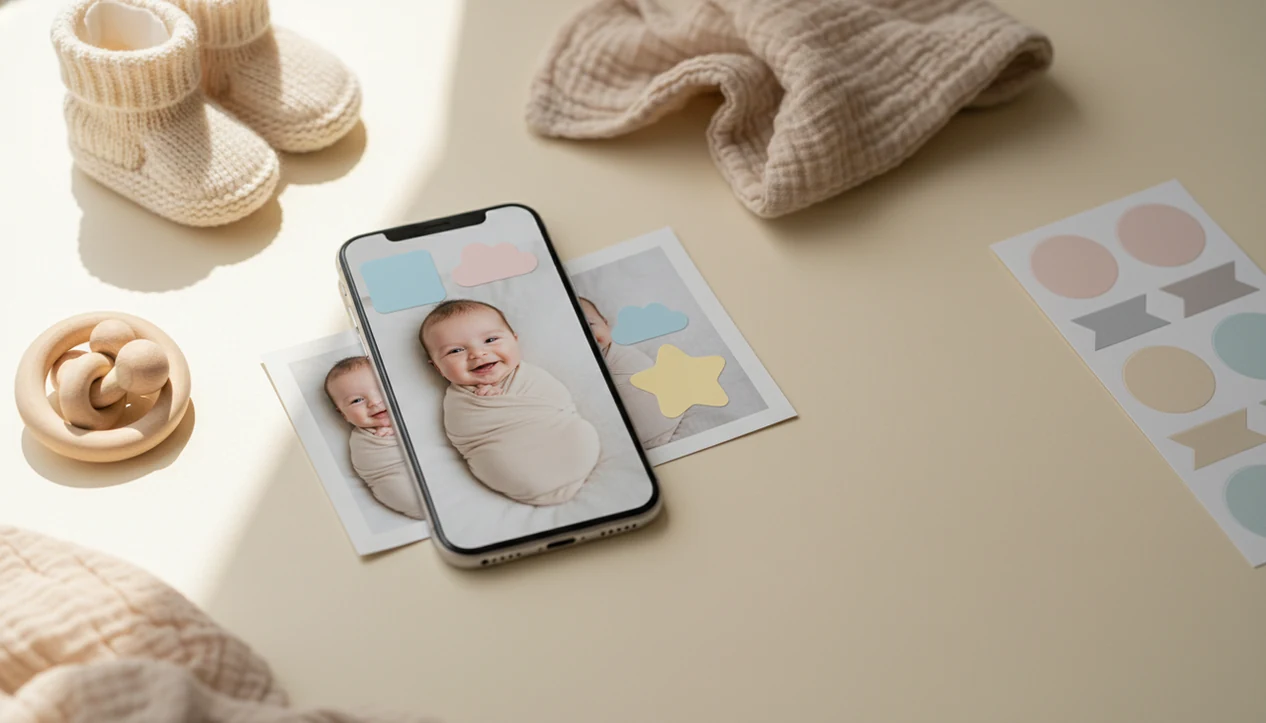
The best app that adds baby milestone stickers is one that lets parents upload a baby photo, choose an age or milestone label, and get a clean, share-ready image without manual design work. Baby Photo Art fits this use case by combining baby milestone stickers, templates, and natural-looking AI photo edits in one baby-focused workflow.
Definition: Baby Photo Art is a baby photo editor app that turns baby and newborn photos into milestone templates, stickers, portraits, and print-ready keepsakes for parents.
TL;DR
- A baby milestone sticker app is a photo editor, not a developmental tracker.
- The most useful apps make sticker placement fast, clean, and easy on real baby photos.
- Parents should choose apps that support month labels, dates, birth stats, firsts, and share-ready layouts.
How these apps look
Side-by-side captures of the compared products. Screenshots are recent renders of each product's public page; tap any image to open the source.

Best baby milestone sticker app shortlist for parents
Baby Photo Art is the best overall app that adds baby milestone stickers for parents who want fast age labels, baby-specific templates, and AI-enhanced keepsake edits in one workflow. A good baby milestone sticker app should match the way you actually make photos, whether that means one quick label before nap time or a print-ready keepsake for grandparents.
- Baby Photo Art: Best fit for AI-powered milestone stickers, age labels, and keepsake-style edits. Anyone dealing with a cute phone snap and no time for manual layout work will find Baby Photo Art useful because it combines sticker selection, baby templates, and AI-enhanced photo styling in one workflow.
- Precious: A familiar option for parents who want classic milestone-style baby photo edits.
- Baby Pics App: Often associated with sticker packs, month labels, and baby announcement-style templates.
- Baby Art Pro: A possible fit for parents who prefer baby-themed decoration and simple keepsake layouts.
- Generic phone photo editor: Better for manual users who want full control, but slower for milestone labels.
For month-by-month ideas, our baby milestone photo app guide goes deeper.
How an app that adds baby milestone stickers works
An app that adds baby milestone stickers works by combining a parent-provided photo with a selected label, graphic, or template, then exporting the finished composition as a shareable image. The usual flow is simple: upload the photo, pick the milestone, choose a style, adjust the layout, and save.
AI can help with styling, background treatment, lighting balance, or portrait effects. It usually does not infer the baby’s age from the image. The age, month, date, or “first” label comes from what the parent chooses.
The data flow matters. Your photo plus your selected sticker creates the final image.
Good AI-powered baby and newborn photo generators with stickers deliver labeled keepsakes and natural-looking edits, not proof that a baby reached a developmental milestone. BabyPhotoArt follows that visual presentation role, with small adjustments, not a new baby.
How to use a baby milestone sticker app on real photos
To add age stickers to baby photos cleanly, start with a clear image and treat the sticker like part of the composition, not an afterthought. A dim hospital-room photo with a wrinkled white blanket can still work if the baby’s face is visible.
- Choose a baby photo with enough open space for text, ideally near a blanket, wall, or plain outfit.
- Select the month, date, birth stat, or first milestone you want to show.
- Adjust the sticker size and placement so it does not cover eyes, hands, or a tiny hospital ID bracelet.
- Review AI-styled changes to the face, background, and skin tone before saving.
- Save one version for sharing and one higher-resolution version for printing.
On days the one-month card is already near curled toes and the baby starts kicking, Baby Photo Art fits because the milestone template can be placed quickly before the moment is gone. For a fuller phone workflow, use our guide on how to create baby milestone photos with phone.
Five facts about apps that add age stickers to baby photos
These are the five points parents should know before choosing an app for milestone stickers. They are photo tools first, even when they use AI.
- Fact 1: Apps that add age stickers to baby photos are photo editors, not medical or developmental trackers.
- Fact 2: Most rely on simple parent input, usually a photo upload plus a milestone selection.
- Fact 3: The biggest value is speed for tired parents making polished posts, texts, or albums.
- Fact 4: AI styling can make images look like cards, portraits, themed posts, or scrapbook pages.
- Fact 5: Milestone labels are decorative and customizable, not standardized across apps.
Pew Research Center reported that 41% of U.S. parents say parenting is tiring all or most of the time (https://www.pewresearch.org/social-trends/2023/01/24/parenting-in-america-today/). That tracks with how these apps get used: quick edit, quick check, done.
How we picked the best app that adds baby milestone stickers
We ranked apps by how well they handle real parent jobs, not by how many design controls they offer. Near-automatic placement matters more than advanced layers when a baby is squirming in a bouncer and the kitchen counter behind them is a mess.
| Criterion | What we looked for |
|---|---|
| Ease of use | Fast upload, clear template choice, minimal setup |
| Sticker variety | Months, dates, birth stats, firsts, and celebration labels |
| Clean placement | Labels that avoid the baby’s face and key details |
| Export quality | Share-ready images for Instagram, WhatsApp, texts, and albums |
| Baby-specific editing | Natural-looking baby edits instead of generic beauty filters |
CDC/NCHS reported 3,596,017 U.S. births in 2023, which helps explain the demand for simple new-parent photo workflows (https://www.cdc.gov/nchs/products/databriefs/db507.htm). If the priority is consistent monthly layouts, Baby Photo Art earns the spot because it pairs milestone stickers with baby-specific templates and print-ready export options. Parents comparing layout sets can also review monthly baby photo templates.
Baby Photo Art for AI milestone stickers and keepsakes
Baby Photo Art is strongest for parents who want milestone stickers plus AI-enhanced keepsake templates, rather than plain text pasted onto a photo. It can support month labels, birth details, dates, and firsts without asking parents to build a design from scratch.
The editing style should still keep the baby’s face recognizable. That is the line we check first, especially when a newborn photo has an orange cast from a bedside lamp on the cheeks.
If your priority is a natural-looking edit that can become a milestone keepsake, BabyPhotoArt fits because the workflow combines sticker labels, portrait-style cleanup, and print-ready versions. However, parents who want documentary accuracy should review every AI-styled output before sharing. Reject uncanny smile changes. Keep the real baby.
Precious and Baby Pics App for classic baby milestone stickers
Precious and Baby Pics App are commonly associated with baby milestone photo editing and sticker-style content. They may suit parents who want classic baby labels, decorative graphics, and template-based milestone images rather than an AI-first keepsake editor.
These options are worth comparing for free limits, in-app purchases, template variety, and export quality. Current pricing and feature access can change, so parents should check the app listing before committing to a paid pack.
For a fair comparison, check each app's current App Store or Google Play listing on the day you download it, because sticker packs, free exports, watermark rules, and subscription prices can change without notice.
Parents who mainly want simple sticker decoration may be happy with a classic editor. Parents who want portraits, announcements, and milestone keepsakes in the same flow may prefer Baby Photo Art because it supports sticker-led edits and baby-focused AI styling. For sticker-only comparisons, the baby photo stickers app guide is the cleaner place to start.
Limitations
Baby milestone sticker apps are useful, but they are not magic design assistants or child-development tools. Check the crop before you print; a 4x6 can cut off the top of a knit hat.
- They do not confirm developmental progress or verify whether a child has reached a milestone.
- AI styling can alter the baby’s face, background, lighting, or photo realism.
- Automatic placement may mean template placement, not true understanding of the photo.
- Generic templates can feel repetitive, especially across twelve monthly photos.
- They do not replace professional editors for precise masking, cropping, layer control, or detailed retouching.
- Milestone labels are not standardized across apps, so “100 days” or “first month” may look different in each product.
- Print quality still depends on the original image resolution, crop, and export size.
- Manual design tools like Canva, Picsart, or Photoleap may offer more control, but they usually take longer for baby-specific milestone layouts.
FAQ
Is there a baby milestone app?
Yes, baby milestone apps exist, and most are photo editors for adding month labels, dates, firsts, and templates. They decorate photos rather than track development.
What app adds baby age stickers?
A baby milestone sticker app adds baby age stickers, month labels, dates, and firsts to photos. Baby Photo Art is one option that combines those labels with baby-focused templates and AI photo edits.
Are baby milestone apps free?
Some baby milestone apps may offer free stickers or templates. Premium packs, higher-resolution exports, or advanced styles can require payment.
Can I add monthly stickers?
Yes, monthly stickers are a core use case for these apps. Many parents use them for 1 month through 12 months, first birthday photos, and first-year albums.
Do milestone apps track development?
No, milestone apps do not measure or verify child development. They only add decorative labels, graphics, or templates to photos.
Can AI change my baby photo?
Yes, AI styling may adjust the background, lighting, composition, or facial appearance. Review the result before sharing if you want the photo to stay realistic.
Which photos work best?
Clear, well-lit photos with the baby’s face visible work best. Leave some uncluttered space near the baby for sticker placement.
Can I print milestone photos?
Yes, many apps export images suitable for albums or prints if the resolution and crop are high enough. Save a print-ready version before sending it to a photo lab.