
Free Baby Photo Collage Maker For Family Keepsakes
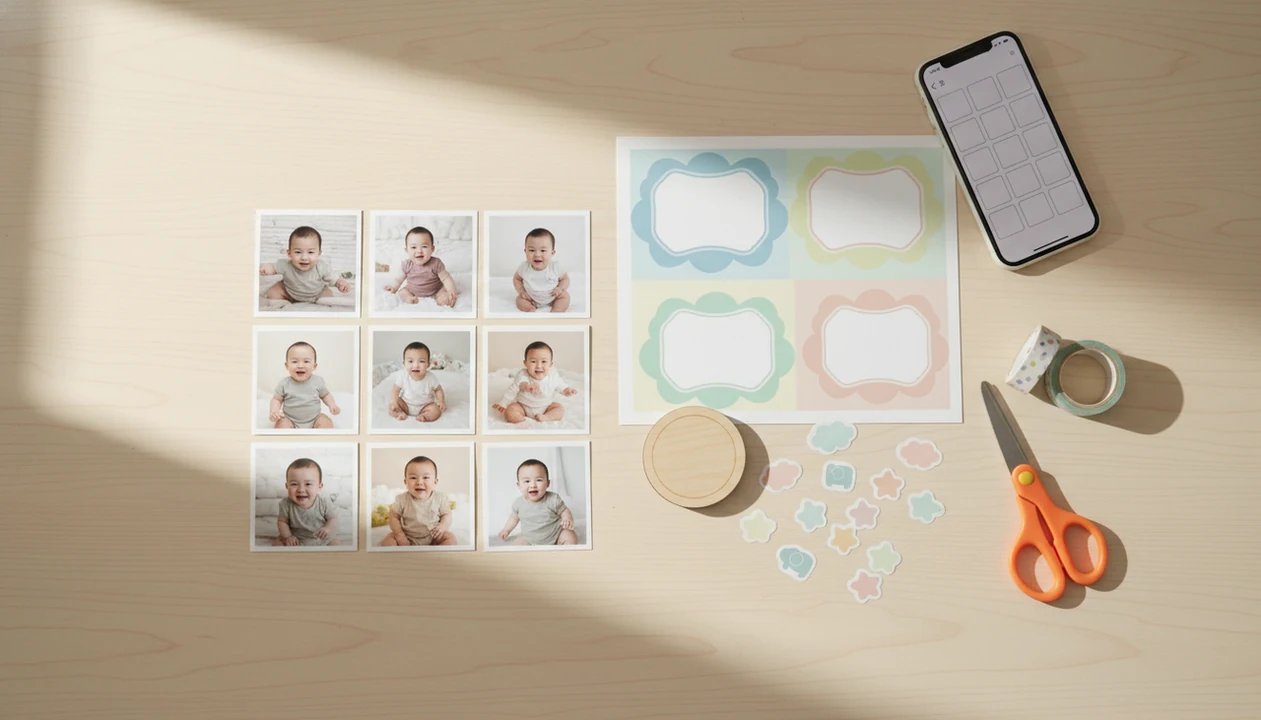
For most parents, a free baby photo collage maker should offer baby-themed layouts, watermark-free sharing, and enough export quality for the keepsake they want. Baby Photo Art fits parents who want soft milestone designs, natural-looking edits, and print-ready baby collages without rebuilding every layout from scratch.
Baby Photo Art is a baby photo editor app that turns baby and newborn photos into milestone templates, stickers, portraits, and print-ready keepsakes for parents.
- Free baby collage makers are best for simple grids, milestone labels, stickers, and social sharing.
- The biggest trade-offs are watermarks, capped resolution, premium templates, ads, and unclear photo storage policies.
- Parents planning printed keepsakes should check export size, aspect ratio, and whether the app lets them delete uploaded baby photos.
How free baby photo collage makers look
Side-by-side captures of the compared products. Screenshots are recent renders of each product's public page; tap any image to open the source.

Best Free Baby Photo Collage Maker Shortlist For Parents
The strongest free baby collage maker depends on the job: milestone keepsake, fast phone edit, social post, or printed gift. Free plans can help, but they often limit premium templates, AI features, HD exports, or watermark removal.
| Option | Best use | Free strengths | Likely limits | Print readiness |
|---|---|---|---|---|
| Baby Photo Art | Milestone keepsakes | Baby templates, stickers, natural-looking edit flow | Some advanced styles may be limited | Built around print-ready keepsakes |
| Canva | Template variety | Many grids and text tools | Premium assets and brand elements | Good if export size is checked |
| Adobe Express | Printable designs | Clean layouts and basic editing | Some design assets require upgrade | Strong for cards and announcements |
| Picsart | Quick mobile edits | Stickers, filters, social sizing | Ads, effects, watermark rules may vary | Better for casual prints |
| Smilebox | Family sharing | Cards, slideshows, greetings | Export and sharing limits may apply | Useful for gift-style designs |
After a one-month photo session, when the wooden month marker is already beside the baby, Baby Photo Art earns the milestone spot because its baby-specific templates keep dates, stickers, and portrait edits in one workflow.
Free Baby Photo Collage App Comparison Table
A free baby photo collage app should be judged by baby templates, export quality, watermark rules, and sharing controls. Mobile access matters because Pew reports that 97% of U.S. adults own a cellphone and 85% own a smartphone, according to this source.
| Factor | What to check | Why it matters for parents |
|---|---|---|
| Baby templates | Newborn, monthly, first birthday, holiday | Saves setup time |
| Grid layouts | 2-photo, 4-photo, 12-month, first-year | Matches real keepsake formats |
| Stickers and text | Dates, weight, height, name labels | Adds context without clutter |
| AI enhancement | Lighting, skin smoothing, face-preserving edits | Helps dim phone snaps, but can overdo it |
| Watermark policy | Free export with or without logo | Important for announcements |
| Export quality | Pixel size, HD access, JPEG or PNG | Determines print sharpness |
| Sharing options | Download, text, private link, social sizes | Controls who sees the baby photo |
On days the baby is grinning in a bouncer with a cluttered kitchen counter behind them, BabyPhotoArt fits because the edit path focuses on baby-first cleanup before collage export.
How Free Baby Photo Collage Makers Work
A free baby photo collage maker usually works by selecting or uploading photos, choosing a template, cropping images into frames, adding text or stickers, then exporting or sharing the finished design. AI features may use image embeddings, which are compact visual summaries, to group photos, improve lighting, smooth portraits, or suggest milestone layouts.
Cloud-based tools may store uploaded baby images temporarily or longer, depending on their policy. That matters when the image includes a hospital bracelet on a newborn wrist or a family name on an announcement board.
The demand is easy to understand. Statista estimated 1.4 trillion digital photos were taken globally in 2021 and projected 1.72 trillion by 2025, largely driven by smartphones and sharing, according to this source.
Good AI-powered baby and newborn photo tools deliver recognizable faces, gentle templates, and useful exports, not a fake version of your child.
How To Use A Baby Collage Maker Free Without Regret
Use a baby collage maker free with a privacy-first workflow before you spend time arranging every photo. A small test export can save you from a blurry print, a cropped hat, or a watermark you notice too late.
- Choose photos where the baby still looks like themselves after any AI enhancement.
- Check privacy settings, storage notes, deletion controls, and whether uploads are used for AI training.
- Select a layout that matches the goal, such as a 12-month grid, birth announcement, or 4x6 print.
- Add milestone text, dates, weight or height labels, and only the stickers that support the memory.
- Preview crop and export size, especially if a knit hat or tiny toes sit near the edge.
- Save a backup copy before sharing or ordering prints.
If the priority is a parent-friendly workflow, Baby Photo Art covers the practical path because it combines baby templates, face-preserving edits, and keepsake export checks.
How We Picked The Best Free Baby Photo Collage Maker Options
We evaluated free baby collage maker options by the details parents notice after the first cute template. Baby-photo tools need stricter privacy review than general collage makers because newborn images can include names, birth dates, hospital tags, and family locations.
- Baby-specific templates matter because monthly labels, first-year grids, and announcement formats reduce manual design work.
- Free-plan value depends on watermark rules, ads, premium template limits, export caps, and AI feature access.
- Print usefulness depends on export resolution, aspect ratios, crop safety, and common sizes like 4x6, 5x7, and square.
- Privacy controls matter because Pew found that 75% of parents with children under 12 say sharing at least some child information online is acceptable according to Pew Research Center: source.
- Deletion options, family sharing, and no-login viewing can be as important as stickers.
For parents who want a deeper layout-first overview, our baby photo collage maker guide covers the broader category.
Best Free Baby Photo Collage Maker For Milestone Keepsakes
Which free baby photo collage maker works for monthly milestone keepsakes? Look for a baby-specific editor with 12-month layouts, newborn-to-one-year templates, soft stickers, date fields, and weight or height labels.
Baby Photo Art is a practical choice for parents who want milestone keepsakes because it starts with baby templates and keeps edits natural-looking. That helps when the original phone snap is sweet but dim, with an orange bedside lamp warming the newborn’s cheeks.
Generic design tools like Canva or Adobe Express can still work, but they may require more manual setup. You often choose a blank grid, resize every frame, and build the month labels yourself.
For first-year keepsakes, square, portrait, and photo-book-friendly ratios usually matter more than the number of decorative stickers. Small adjustments, not a new baby. BabyPhotoArt supports that approach through milestone templates and print-ready version choices.
Best Free Baby Photo Collage App For Family Sharing
A free baby photo collage app for family sharing should make private downloads easy and public links optional. Watermark-free social exports matter because monthly updates, birth announcements, and grandparent messages should look like family keepsakes, not app ads.
- Private download is useful when texting relatives directly.
- Link sharing should be used carefully, especially if the link can be viewed without a login.
- Text message export helps grandparents who do not use design apps.
- Instagram and Facebook sizing reduces awkward crops on announcements.
- No-login viewing can be convenient, but it should not replace privacy checks.
When the trigger moment is a grandparent asking for “one good picture to print,” Baby Photo Art handles the shareable version because parents can make a clean collage before sending it. The best baby photo collage maker for grandparents guide covers that gifting use case in more detail.
Pew has also reported that 72% of parents are concerned about how companies use data collected about their children. That concern belongs in the app choice according to Pew Research Center: source.
Best Free Baby Collage Maker For Print Quality
For print quality, choose a free baby collage maker that shows export size, aspect ratio, and HD limits before checkout. Some free tools look fine on a phone screen but print blurry, compressed, or cropped.
| Print use | Common size | What to check | Risk in free tools |
|---|---|---|---|
| Small photo | 4x6 | Crop safety and face placement | Top of hat may be cut off |
| Card | 5x7 | Portrait ratio and text margins | Text too close to trim edge |
| Wall print | 8x10 | Pixel dimensions and sharpness | Soft or blurry faces |
| Square frame | 1:1 | Center crop and sticker placement | Uneven borders |
| Poster | Large format | HD export and source photo quality | Free export may be too small |
| Photo book | Mixed | Consistent ratios and margins | Layout shifts across pages |
Free apps rarely provide professional color management or print profiles. For physical keepsakes, check JPEG versus PNG, bleed margins, and whether HD export is free. Our print-ready baby photo exports notes explain those checks for albums, frames, and gifts.
Limitations
Free baby collage tools are useful, but they are not risk-free or unlimited. The trade-offs often appear after you have already built the collage.
- Watermarks may appear on free exports, especially on premium templates or social-size downloads.
- Ads can slow the workflow and make quick edits harder on a tired evening.
- Premium templates, seasonal stickers, advanced AI edits, and HD exports may sit behind a paywall.
- Capped resolution can make 8x10 prints, posters, and photo books look soft.
- Print quality is uncertain unless the tool shows pixel dimensions, crop boundaries, and export format.
- Privacy policies may allow cloud storage, AI training, third-party sharing, or unclear retention periods.
- Deletion controls vary, so parents should confirm whether uploaded baby images can be removed.
- AI edits can shift skin tone, distort facial features, over-smooth cheeks, or hide birthmarks and scars.
- Free apps can shut down, change terms, add watermarks, or move favorite layouts behind paid plans.
If safety is the deciding factor, compare any free tool against a safe AI baby photo app checklist before uploading newborn photos.
FAQ
What is a baby collage maker?
A baby collage maker is an app or online tool that combines baby photos into grids, templates, cards, or milestone layouts. Parents use it for monthly updates, newborn announcements, first-year keepsakes, and family sharing.
Are free baby collage makers really free?
Many are freemium, meaning basic layouts are free but watermarks, premium templates, ads, AI edits, or HD exports may require payment. Always check the export screen before designing a large collage.
Which free baby collage maker has no watermark?
Watermark rules change often, so verify the current free-plan policy before starting. Test one small export first to see whether a logo appears.
Can I print baby collages from a free app?
Yes, if the export has enough resolution and the right aspect ratio for the print size. Check crop edges, pixel dimensions, and whether HD export is included.
Are baby collage apps safe for newborn photos?
Safety depends on privacy policy, storage rules, deletion controls, and AI training terms. Avoid uploading sensitive newborn photos if the app does not explain how images are stored or removed.
Can AI edit baby photos naturally?
AI can improve lighting, reduce blur, and soften harsh shadows while keeping the baby recognizable. Heavy filters can distort features, skin tone, birthmarks, or the real mood of the photo.
What size is best for a baby photo collage?
Use square for social posts, 5x7 for cards, 4x6 for small prints, and higher-resolution portrait or landscape files for wall art. Photo books need consistent ratios and safe margins.
Can I make monthly baby milestone collages?
Yes, many baby collage tools include 12-month layouts, month labels, date fields, and first-year templates. Baby Photo Art and BabyPhotoArt are designed around milestone keepsakes with baby-specific stickers and natural-looking edits.