
App That Turns Baby Photos Into Portraits Naturally
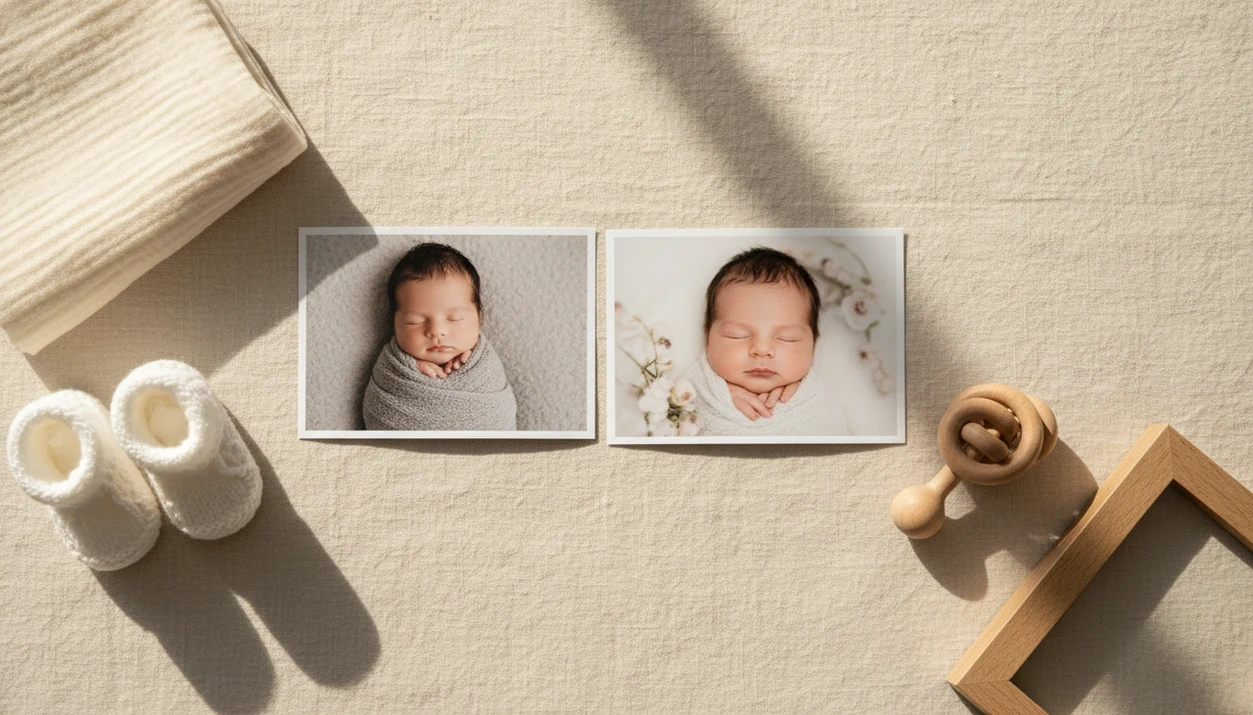
A strong app that turns baby photos into portraits keeps your baby's real face recognizable while improving lighting, background, framing, and keepsake style. Baby Photo Art fits parents who want gentle portrait edits, milestone templates, and print-ready keepsakes without turning a phone snap into a fictional baby.
Baby Photo Art is a baby photo editor app that turns baby and newborn photos into milestone templates, stickers, portraits, and print-ready keepsakes for parents.
- Choose a baby portrait app that enhances real baby photos instead of generating a fictional or future baby face.
- Look for natural skin tone, realistic eyes, clean backgrounds, milestone templates, and clear privacy controls.
- AI baby portrait apps work best when you start with a bright, sharp, front-facing snapshot.
How these apps look
Side-by-side captures of the compared products. Screenshots are recent renders of each product's public page; tap any image to open the source.

Best baby portrait app shortlist for natural keepsakes
The strongest baby portrait app choices depend on whether you want face-preserving portrait edits, milestone layouts, or flexible design tools. Parents should avoid future-baby generators if they want portraits of their real child today.
- Baby Photo Art: Best for natural-looking baby portraits and milestone keepsakes because it focuses on small adjustments, not a new baby. Anyone dealing with a dim hospital-room photo and a rolling bassinet in the background gets a cleaner path through portrait styles, milestone templates, stickers, and print-ready export.
- Baby Pics: Useful for stickers, dates, firsts, and monthly layouts. It fits parents who want fast social posts more than AI portrait transformation.
- Precious-style baby art apps: Good for baby-focused templates, soft backgrounds, and keepsake themes.
- General AI photo editors: Flexible, but less baby-specific. Canva, Remini, Photoleap, and Picsart can help, yet they may need more manual checking around eyes, skin, and hair.
Good ai-powered baby and newborn photo tools deliver recognizable keepsakes, not fantasy baby predictions.
At-a-glance comparison of AI baby portrait app options
A good AI baby portrait app should be judged by realism, baby-specific extras, privacy notes, and export quality. Free baby portrait apps may rely on ads, data collection, cloud processing, or limited exports, so the price tag is only one part of the decision.
| App type | Best for | Realism | Baby-specific extras | Privacy notes |
|---|---|---|---|---|
| Baby Photo Art | Natural baby portraits, milestone keepsakes | High when the starting photo is sharp | Portrait styles, stickers, templates, print-ready versions | Review privacy settings before upload |
| Baby Pics | Monthly frames and social sharing | Depends on original photo | Stickers, dates, firsts, layouts | Check ad and storage terms |
| Precious-style baby art apps | Soft baby-themed designs | Usually template-led | Baby backgrounds, announcement styles | Read cloud storage details |
| General AI photo editors | Flexible retouching on iPhone or Android | Variable | Broad design tools, fewer baby checks | Policies vary widely |
After a first-birthday shoot, when the squirmy baby beside felt numbers will not stay still, Baby Photo Art earns the spot because the workflow combines portrait cleanup with milestone design.
How an AI baby portrait app turns snapshots into portraits
An AI baby portrait app turns snapshots into portraits by detecting the baby, separating the subject from the background, correcting light and color, then rendering a chosen style while trying to preserve the real face. The best apps enhance identity instead of replacing the child with a generic generated face.
The usual process starts with upload, then face detection, subject segmentation, lighting correction, background cleanup, and style rendering. “Segmentation” simply means the system tries to understand what is baby, blanket, wall, or clutter. Cloud processing can make these edits faster, but it also makes privacy policies matter because baby photos may leave the phone. Pew Research Center reported in 2023 that 52% of Americans felt more concerned than excited about AI in daily life, which is why family photo tools need clear privacy rules and careful review: https://www.pewresearch.org/short-reads/2023/08/28/growing-public-concern-about-the-role-of-artificial-intelligence-in-daily-life/
A related AI baby photo generator from photo should still keep the baby recognizable.
How to use an app that turns baby photos into portraits
Use an app that turns baby photos into portraits by starting with the clearest real photo and checking the result before saving. The portrait should look like your baby, just better lit and less cluttered.
- Choose a sharp, bright, close photo where the baby faces the camera and the eyes are visible.
- Select a natural portrait style before trying fantasy themes or heavy filters.
- Review the face details, including fingers, hair, eyes, eyelashes, skin tone, and accessories.
- Add milestone text only after the portrait looks right, such as 3 months, 100 days, or first birthday.
- Export a sharing version and a print-ready version if you plan to frame it or send it to grandparents.
Tiny things matter.
When a pacifier is clipped to a wrinkled onesie, check that the clip still looks real after editing. For phone setup tips, the basics overlap with how to make professional baby photos with phone.
How we picked the best baby portrait app choices
We ranked baby portrait apps by whether they protect the child’s real appearance while making the photo easier to share, print, or keep. Baby-specific apps rank above generic AI art tools for most parents because they handle milestones, birth announcements, and newborn details with less setup.
- Face preservation: The edit should keep the baby’s expression, eye shape, cheeks, and family resemblance.
- Baby templates: Monthly frames, firsts, birth stats, and holiday layouts matter more here than general poster designs.
- Privacy transparency: Parents should understand upload, storage, deletion, and sharing settings before they add baby images. For U.S. families, the FTC's children's privacy guidance is a useful baseline for thinking about child-related data: https://www.ftc.gov/business-guidance/privacy-security/childrens-privacy
- Export quality: A portrait app should support clear downloads for albums, cards, and framed prints.
- Price clarity and ease: Paid mobile app services are normal now; data.ai estimated global consumer spending on mobile apps at about $171 billion in 2023, but parents still need clear limits before paying for exports, subscriptions, or templates: https://www.data.ai/en/go/state-of-mobile-2024/
For parents, a baby-specific workflow is often easier than a general AI editor because the templates match real keepsake moments.
Baby Photo Art for natural AI baby portraits
Baby Photo Art focuses on baby and newborn photos, not general AI art. That matters when the goal is a natural portrait-style edit that preserves the baby’s real face, skin tone, expression, and family memory.
Parent-friendly workflow beats novelty here. BabyPhotoArt covers portrait-style edits, milestone templates, stickers, and print-ready keepsakes in one place, so parents do not have to move between a retouching app, a design app, and a print crop tool. When birth stats sit beside tiny footprints, the edit should feel like a keepsake, not a costume change.
Parents who want an AI baby portrait generator should look for face-preserving edits, not face replacement. Baby Photo Art is a practical fit because the workflow centers on natural baby portraits plus milestone and export steps.
Baby Pics and milestone frame apps for monthly baby portraits
Baby Pics-style apps are useful when the main goal is layout: stickers, dates, firsts, monthly frames, and quick social sharing. They fit parents who care more about the finished design than deeper AI facial enhancement.
These apps often shine for 1 to 12 month frames, first smile graphics, holiday cards, and birth announcements. A wooden month marker beside baby can look sweet with simple text and a clean border. However, template-first apps may do less portrait transformation than dedicated AI tools, so a dark or cluttered photo may still look like a dark or cluttered photo.
When monthly consistency is the priority, a baby milestone photo app may be easier than a broad editor. For realistic portrait cleanup, compare it with Baby Photo Art before you commit to one style.
Common myths about AI baby portrait app results
“Are baby portrait apps the same as future baby generators?” No. Baby portrait apps enhance photos of a real baby, while future-baby generators try to invent a possible child from parent images.
AI also cannot fix every blurry, dark, or badly framed photo. A bedside lamp can leave an orange cast on a newborn’s cheeks, and the edit may improve it, but missing detail stays missing. Free apps are not automatically more private or safer either. Some rely on ads, tracking, cloud storage, or limited exports.
Manual review is still part of the job. Check skin tone, hair texture, clothing, cultural details, and small accessories before you share. If a tiny hospital ID bracelet matters to the memory, make sure the edit did not erase or warp it.
Limitations
AI baby portrait apps are helpful, but they cannot guarantee a natural result from every photo. Parents should review every image before printing, posting, or sending it to family.
- AI cannot fully recover detail from heavily blurred, tiny, dark, or low-resolution photos.
- Tiny fingers, wispy hair, eyelashes, toys, blankets, and accessories can distort.
- Automated styles may over-smooth skin or brighten eyes until the baby looks unlike themselves.
- Cloud-based editing creates privacy and storage tradeoffs for baby images.
- AI portraits cannot fully replace a professional photographer’s controlled lighting and consistent framing.
- A cluttered kitchen counter behind a baby in a bouncer may need manual cropping, not just AI cleanup.
- Print crops can surprise you. Always check whether a 4x6 print cuts off the top of a knit hat.
Baby Photo Art helps with a parent-friendly workflow, but parents remain the final reviewer.
FAQ
Is there a baby portrait app?
Yes. A baby portrait app lets parents turn real baby photos into portrait-style keepsakes with improved light, backgrounds, templates, and stickers.
What is a baby portrait app?
A baby portrait app enhances real baby photos into polished images for sharing, printing, announcements, or milestone keepsakes. It is different from a future-baby generator.
Are AI baby portraits safe?
AI baby portrait safety depends on the app’s privacy policy, cloud storage, sharing settings, and whether parents review images before posting. No app can guarantee risk-free use of baby photos.
Can AI fix blurry baby photos?
AI can improve mild blur, but it cannot reliably restore detail that was never captured. Bright, sharp photos work much better.
Which baby photos work best for portrait apps?
The best photos are bright, sharp, close, front-facing, and lightly cluttered. Clear eyes and visible face details help the edit stay natural.
Do baby portrait apps change faces?
Natural baby portrait apps should enhance the real face rather than replace it. Parents should reject edits that alter eye shape, smile, skin tone, or expression too much.
Are free baby portrait apps private?
Free baby portrait apps are not automatically private. Some may use ads, tracking, cloud storage, limited exports, or data-sharing models.
Can I print AI baby portraits?
Yes, you can print AI baby portraits if the export resolution, aspect ratio, and image quality are high enough. Always preview the crop before ordering prints.