
Baby Photo Backgrounds and Frames for Keepsake Photos
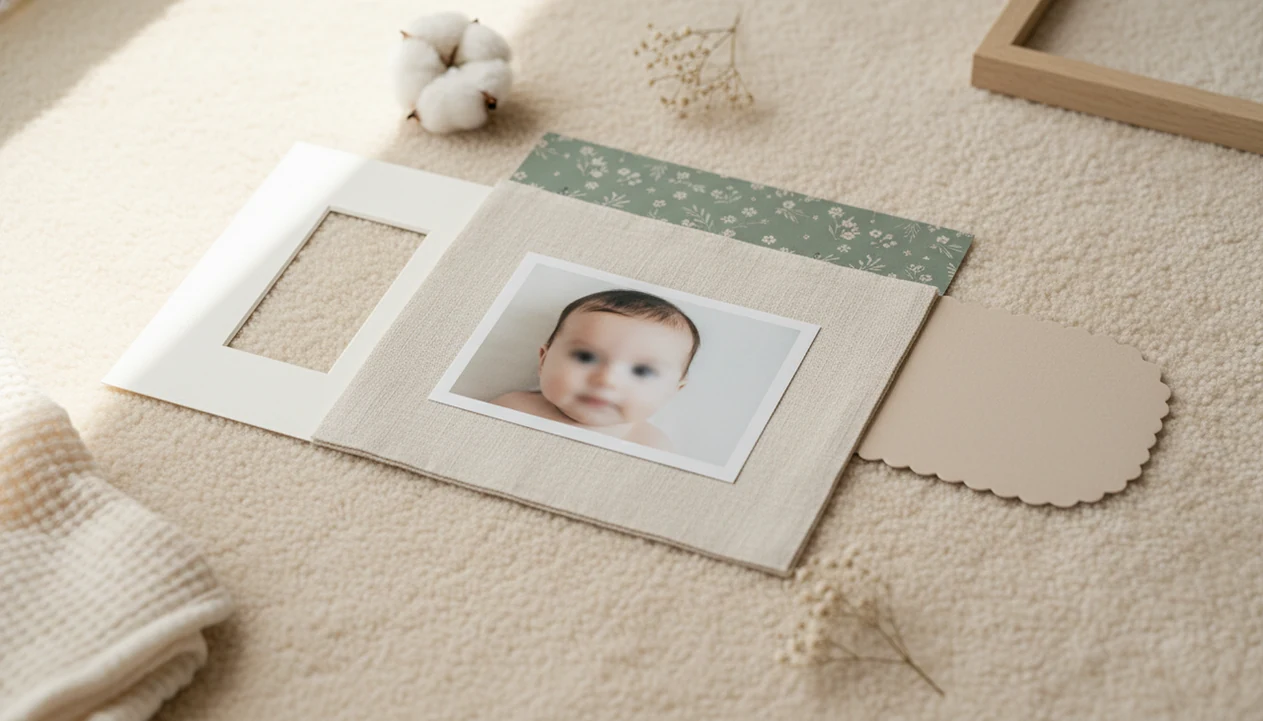
The best baby photo backgrounds and frames are soft, simple, and sized for where the photo will be used, so the baby’s face stays as the clear focal point. Use neutral or pastel backgrounds, light decorative frames, and print-safe layouts instead of busy props or heavy overlays.
> Baby photo backgrounds and frames are the digital or physical scenes, colors, borders, and layouts placed behind or around a baby photo to create a themed keepsake without distracting from the child.
- Choose soft clouds, florals, nursery textures, blankets, or seasonal scenes with enough negative space around the baby.
- Use baby photo frames that support the theme but never cover the face, hands, feet, or milestone details.
- Save the original photo and export edited keepsakes at high resolution for prints, albums, and wall frames.
Baby photo backgrounds and frames definition for keepsakes
Baby photo backgrounds and frames are the visual setting and border choices used to turn a baby picture into a keepsake while keeping the baby as the subject. A background may be a blanket, nursery wall, AI-edited scene, printable template, or soft digital overlay. A frame may be a clean border, milestone badge, collage layout, or physical frame on a shelf.
The rule is simple: the baby comes first.
Good baby photo backgrounds and frames make a phone snap feel intentional without hiding the face, tiny hands, feet, bracelet, name, or date. That matters because many parents share baby photos online, and presentation choices affect what family notices first. A dim hospital-room photo with a wrinkled white blanket can still become a sweet announcement if the edit supports the moment instead of burying it.
How baby photo backgrounds and frames work
Baby photo backgrounds and frames work by building a keepsake in three visual layers: the baby, the background, and then the frame. The best edits protect the first layer, so the face, expression, hands, feet, and tiny details still feel like the original moment.
A tool may use subject detection to find the baby, then create a mask, which is the cutout area that separates the baby from the scene behind them. Negative space means calm empty room around the baby, contrast means the light-and-dark difference that keeps the face readable, and color harmony means the background and frame share gentle tones instead of competing. The practical order is:
- Start with the untouched original file and save it separately.
- Place or clean up the background without changing the baby’s expression.
- Add the frame last, keeping borders and labels away from the face and body.
- Export a final keepsake only after checking the crop, skin tone, and edges.
Editing can soften clutter, improve color, and prepare a file for sharing or printing. It cannot fully rescue heavy blur, closed eyes, harsh shadows, or a photo that was too small to begin with.
3-part keepsake layout for baby photo backgrounds and frames
A clean baby keepsake photo has three layers: baby first, background second, frame third. The eye should land on the baby’s face, then notice the scene, then register the border or label.
How baby photo backgrounds and frames work: editing tools use subject detection, masks, and image embeddings to separate the baby from the surroundings. In plain terms, the app identifies the baby, softens or replaces what is behind them, and adds overlays without changing the saved original. Negative space gives the frame room to breathe. Contrast control keeps skin tones gentle. Color harmony stops the border from fighting the photo.
Tools like Baby Photo Art can help here. Baby Photo Art is a baby photo editor app that turns baby and newborn photos into milestone templates, stickers, portraits, and print-ready keepsakes for parents. Use Baby Photo Art for keepsake-specific jobs such as milestone cards, newborn portraits, birth announcements, and print exports rather than heavy face reshaping. The best result should still look like the baby in the original photo. Still, poor focus and bedside-lamp orange cheeks can only be improved so far. Small adjustments, not a new baby.
5 photo choices before choosing baby photo background ideas
Before choosing baby photo background ideas, pick a photo that already works. Editing is easier when the baby’s eyes, expression, and outline are clear from the start.
- Use a sharp phone snap with the baby’s face well lit; a blurry smile stays blurry after a frame is added.
- Choose natural window light when possible, and avoid hard shadows across cheeks or eyes.
- Decide the final use first: social post, album page, wall print, announcement, or milestone card.
- Keep the original unedited file before adding frames, stickers, or AI background changes.
- Edit on a phone-friendly tool if that is where the photo was taken; most parents work from their camera roll, not a desktop folder.
For parents making monthly photos, a consistent frame is often easier than redesigning each image because the series looks calmer in an album. If you use labels, the detailed steps for how to add milestone stickers to baby photos are worth following before you export.
6-step workflow for baby photo backgrounds and frames
How to use baby photo backgrounds and frames: build the image in layers, then check it against the original before saving. This keeps the edit natural-looking and makes print mistakes easier to catch.
- Select a clear baby photo with visible eyes, face shape, and important details like a hospital ID bracelet.
- Choose a background that matches the purpose, such as clouds for a newborn portrait or a nursery texture for a milestone keepsake.
- Place the baby with enough breathing room around the head, feet, and frame edge.
- Add a light frame, badge, or label, but keep overlays off the baby’s face, hands, and feet.
- Check the edited version beside the original for skin tone, fingers, hair edges, blanket lines, and expression.
- Export a high-resolution final file, and save the original and editable version separately.
The most reliable workflow is photo first, background second, frame last because every design choice can be judged against the baby’s face.
7 baby photo background ideas by theme
The strongest baby photo background ideas feel gentle, not staged to the edge. Choose themes by mood, season, and final use rather than by strict “boy” or “girl” rules. Soft blues, creams, greens, blush tones, and warm neutrals can all work for baby boys, baby girls, and gender-neutral keepsakes.
Clouds, stars, and dreamy skies
Clouds, moons, and pale skies work well for newborn portraits because they create calm space around the baby. Keep the sky soft, not neon.
Florals, greenery, and soft seasons
Florals and greenery suit spring, birthdays, and gentle announcement edits. Use small flowers around the edge, not over the baby’s cheeks or name.
Nursery blankets and neutral textures
Blankets, linen, muslin, and simple nursery walls keep the photo personal. A pacifier clipped to a wrinkled onesie may be worth keeping if it tells the day honestly.
Other useful themes include minimal studio neutrals, tidy holiday scenes, first-birthday backdrops, and announcement boards with birth stats beside tiny footprints. A baby announcement photo maker can help when the design needs names, dates, and weight without turning the image into a poster.
5 baby photo frame styles that keep the baby clear
A baby photo frame should support the theme rather than dominate the image. Thick borders, oversized stickers, and crowded corners can crop the knit hat, cover toes, or make the baby look squeezed.
| Frame style | Works best for | Keep it clear by |
|---|---|---|
| Clean border | Albums, prints, everyday portraits | Using thin white, cream, or soft-color edges |
| Milestone badge | Monthly photos, 100 days, first birthday | Keeping month labels away from hands and face |
| Collage frame | Sibling sets, first-year grids | Giving each photo the same crop and tone |
| Holiday frame | Christmas, Easter, Halloween cards | Limiting icons to corners or one side |
| Physical wall frame | Nursery walls, grandparents’ gifts | Matching the print size before cropping |
For a month-by-month series, consistent frame styles usually work better than changing the border every month because the baby’s growth becomes the story. If stickers are part of the frame, keep them sparse; our cute baby photo stickers guide covers safer placement choices.
4x6, 5x7, and 8x10 print-safe baby photo backgrounds and frames
Print-safe baby photo backgrounds and frames are designed for the final size before export. A layout that looks fine on a phone can cut off the top of a knit hat in a 4x6 print. For print planning, treat resolution as a real production constraint: Adobe’s print-resolution guide explains that pixels per inch affect printed detail, and 300 ppi is a common target for sharp photo output (https://helpx.adobe.com/photoshop/using/image-size-resolution.html).
- Resolution means the file has enough pixels to print clearly, especially for 8x10 wall frames.
- Aspect ratio is the shape of the image, such as 4x6, 5x7, 8x10, or square.
- Crop safety means faces, fingers, toes, names, and dates sit away from the trim edge.
- Bleed margin is extra image area around the outside, useful when a printer trims slightly.
- High-resolution exports are safer for albums, announcements, framed gifts, and grandparents’ prints.
Archival-quality papers and physical frames resist fading better than cheap prints in direct sun or humid rooms. For grandparents, a print-ready version is often better than a screenshot because it preserves detail and frame spacing.
7 common baby photo background and frame mistakes
Professional-looking baby photos do not require elaborate props. Most clutter starts when the background, frame, stickers, and text all compete at once.
Common mistakes include choosing high-contrast patterns, adding too many icons, using saturated colors near the face, and placing text over hands or feet. Also check that the frame does not cover the baby’s name, date, or milestone label. In AI edits, review skin tone, fingers, hair, blanket edges, and cultural details before sharing. NIST’s AI Risk Management Framework is a useful source for this kind of caution because it notes that AI systems should be checked for validity, reliability, and harmful bias in their actual use context (https://www.nist.gov/itl/ai-risk-management-framework). A dimpled hand gripping a parent finger should still look like a real hand after the background changes.
AI-powered baby and newborn photo generator tools with stickers, milestone templates, and portrait-style edits for parents should deliver gentle keepsake options, not cartoonish face changes or unsafe fantasy scenes. Simple backgrounds usually age better because they leave room for the child, the expression, and the family memory.
6-point checklist to verify a finished baby photo keepsake
Does the finished baby photo keepsake look natural enough to share, save, or print? Use this checklist before you post it, send it to family, or order copies.
- Check that the baby’s eyes and expression are sharp enough for the chosen size.
- Check that background edges look natural, not like a cut-out sticker.
- Check that the frame does not crop the head, feet, fingers, blanket detail, or hat.
- Check colors on a phone and desktop if possible; warm lamps can make cheeks look too orange.
- Check that the file name, date, month, and milestone label are correct.
- Save three versions: original, editable project, and final export.
Tools such as BabyPhotoArt, Canva, and Picsart can all produce a keepsake, but the parent still has to do the final face, crop, and privacy check. Before you share, zoom in.
Limitations
Baby photo backgrounds and frames can improve presentation, but they cannot fix every capture or guarantee a lasting print. Expect limits before spending time on a complex edit.
- Poor lighting and blurry focus cannot be fully repaired by frames, filters, or AI backgrounds. - Overusing digital stickers and overlays can make a keepsake look cluttered or dated. - Some AI tools may mishandle skin tones, fine hair, fingers, cultural elements, or blanket edges. - Low-resolution exports may print poorly, especially at 8x10 or larger wall sizes. - Physical frames and printed backgrounds can fade in direct sun, humidity, or non-archival materials. - Some advanced editing tools require paid subscriptions, newer phones, or extra storage space. - Privacy still matters; blur addresses on a mail stack and read photo deletion notes before uploading. For app uploads, the FTC recommends reviewing privacy settings, permissions, and data-sharing practices before granting an app access to personal information or photos (https://consumer.ftc.gov/articles/how-protect-your-privacy-apps).
A natural-looking edit is not the same as a guaranteed print-ready file. Check the crop, export size, and paper choice each time.
FAQ
What background is best for baby photos?
Soft, simple, low-contrast backgrounds usually work best for baby photos. Cream blankets, pale walls, clouds, linen textures, and muted florals keep attention on the baby’s face.
What colors suit newborn photos?
Neutrals, creams, pastels, and muted earth tones usually suit newborn photos because they are gentle on skin tones. Avoid harsh neon colors near the face.
Are digital baby photo frames safe to use?
Digital baby photo frames are safe when they do not misrepresent the baby or cover important details. Keep the face, hands, feet, name, and date visible.
Can AI edit baby photo backgrounds?
AI can replace, soften, or clean up baby photo backgrounds. Parents should review the result for skin tone, fingers, hair edges, and whether the baby still looks recognizable.
How do I frame milestone baby photos?
Use consistent borders, month labels, dates, and simple milestone text across the series. Apps such as Baby Photo Art can help, but the design should stay secondary to the baby.
What size should baby photos be for printing?
Common baby photo print sizes include 4x6, 5x7, 8x10, and square formats. Export a high-resolution file that matches the print shape before ordering.
Should baby photo frames match the nursery?
Matching the nursery can work well for wall prints or a themed album. A neutral frame is more flexible if the photo will be shared, gifted, or reprinted later.
How many props are too many in a baby photo?
Too many props means the baby’s face, hands, feet, or expression are no longer the first thing you notice. Limit props to one or two supporting details.