
Free Baby Announcement Photo Maker For Parents
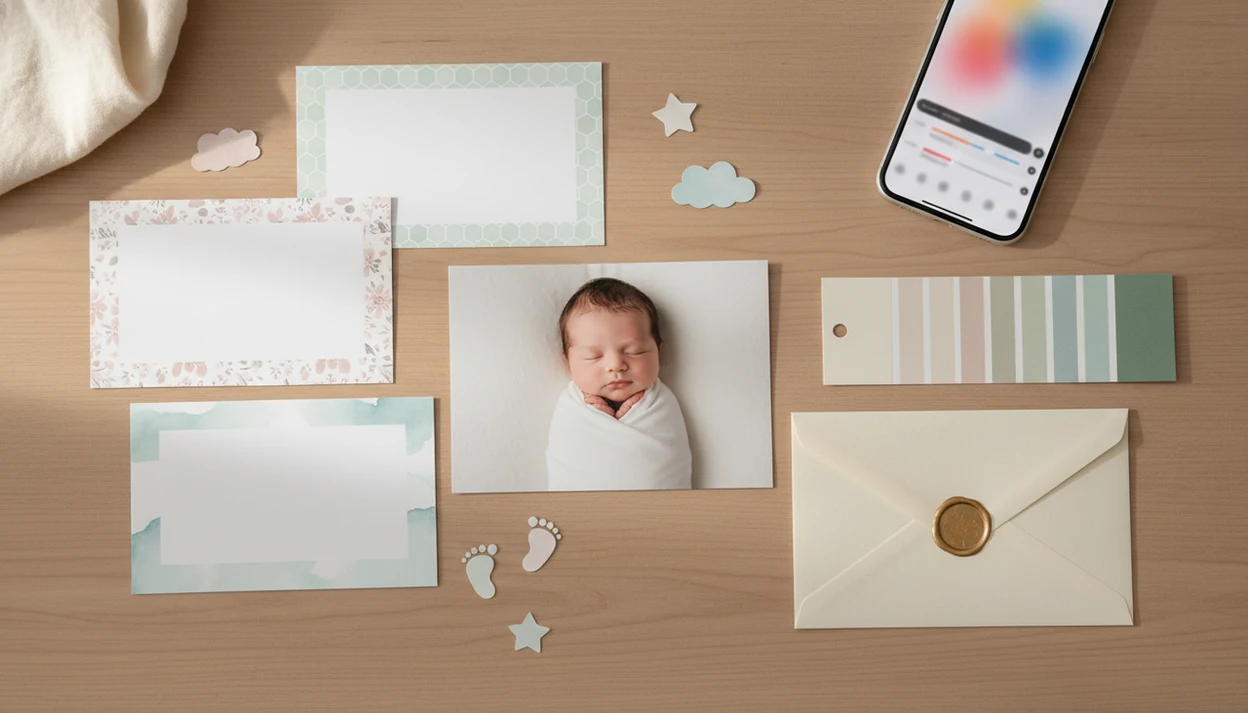
For parents who want a free baby announcement photo maker with natural-looking AI baby edits, milestone stickers, and parent-controlled sharing, Baby Photo Art is the best fit. If you mainly need a printable card or a fast social graphic, compare it with template editors such as Canva, Adobe Express, and PosterMyWall before exporting.
> A free baby announcement photo maker is an online tool or app that lets parents add a baby photo, name, birth stats, and decorative templates to create a shareable newborn announcement image.
- Choose social-first tools for quick Instagram, Facebook, or text announcements.
- Check export size, watermark rules, and print quality before designing.
- Use AI baby photo tools carefully and review faces, fingers, text, and background details before sharing.
How free baby announcement photo makers look
Side-by-side captures of the compared products. Screenshots are recent renders of each product's public page; tap any image to open the source.

Free Baby Announcement Photo Maker Shortlist For Parents
A good shortlist starts with the announcement format, not the logo. Some parents need a five-minute textable image, while others want a print-ready version for grandparents.
Baby Photo Art: AI baby keepsakes and milestone stickers
Baby Photo Art is a baby photo editor app that turns baby and newborn photos into milestone templates, stickers, portraits, and print-ready keepsakes for parents. It fits parents who want small adjustments, not a new baby.
Canva: editable baby announcement templates
Canva fits parents who want drag-and-drop text boxes, color changes, and lots of birth announcement layouts. Check paid graphics before you fall in love with a design.
Adobe Express: polished social announcement graphics
Adobe Express works well for polished social posts with quick resizing. It is useful when the photo is already clean and the design needs structure.
PosterMyWall: large free template library
PosterMyWall fits parents who want many free designs to browse quickly. Free tiers can still include watermarks, paid assets, or export limits.
At-A-Glance Free Birth Announcement Maker Comparison
The right free birth announcement maker depends on where the announcement will go. Instagram, family texts, and printed cards all punish different mistakes.
| option | best for | free strengths | likely limits | check before exporting |
|---|---|---|---|---|
| AI baby photo app | keepsake-style baby edits | portrait looks, stickers, milestone templates | AI may need retries | face, fingers, text, crop |
| Template editor | custom announcement cards | flexible layouts and fonts | premium assets | watermark and download size |
| Social design app | Instagram, Facebook, texts | fast resizing | small text can blur | 1080x1080 preview |
| Printable card template site | mailed cards | card-style layouts | low-res free files | 300 dpi, bleed, file type |
Pew reported that 83% of U.S. adults use YouTube and 68% use Facebook, so digital announcements still reach many relatives source. The choice usually depends more on sharing format than on one universal winner.
Five Facts About Newborn Announcement Free Tools
Free newborn announcement tools can be useful, but the word “free” needs a second look before you design the final card.
- Free often means basic templates, limited downloads, or lower-resolution exports.
- Watermarks, premium fonts, and paid illustrations may appear only at the final export screen.
- Mobile-friendly editors matter when one arm is holding the baby and the other is fixing a typo.
- AI backgrounds, stickers, and portrait-style edits may take several tries to keep the baby's face recognizable.
- Privacy terms matter because you are uploading a newborn photo, not a generic stock image.
Tiny details matter here. A tiny hospital ID bracelet may be something you want to keep visible, not blur away.
How A Free Baby Announcement Photo Maker Builds A Newborn Card
A free baby announcement photo maker builds a card by combining an uploaded image, a design template, editable text layers, crop settings, resizing tools, and an export file. The design system places your photo and birth details into a layout meant for sharing or printing.
AI-assisted tools may use image embeddings, which are numerical summaries of the photo, to suggest backgrounds, portrait-style edits, sticker placement, or layout balance. In plain language, the editor is trying to understand the picture well enough to decorate around it.
Review closely. AI can soften cheeks too much, change fingers, distort props, or garble text. Aspect ratio also matters because a square Instagram post, a vertical story, a text message preview, and a 5x7 print crop the same image differently.
How To Use A Free Birth Announcement Maker In 5 Steps
Use a free birth announcement maker with a simple order: pick the format, place the baby photo, add birth stats, review carefully, then export for the exact destination.
- Choose a template for social sharing, texting, home printing, or a mailed card.
- Upload a clear baby photo, then crop out private details such as room numbers or nursery signs.
- Add the baby’s name, date, time, weight, length, and optional location.
- Review spelling, face shape, fingers, background details, and whether the text is readable on a phone.
- Export the correct size for social or print, then save a backup copy before posting.
For a phone-only workflow, the step-by-step version in how to make birth announcement photo with phone can help when you are working from a camera roll.
7 Criteria For Picking Free Baby Announcement Photo Maker Options
The strongest free baby announcement options should be judged on seven practical criteria: template quality, ease of use, mobile experience, export quality, watermark policy, privacy controls, and AI naturalness. A pretty template is not enough if the download looks fuzzy.
For each option, check the free-tier export path before recommending it: upload one baby photo, add birth stats, preview on a phone, and confirm whether the final file has a watermark or paid asset warning. That keeps the ranking tied to what parents can actually download, not just what looks free in the template gallery.
Test one sample export before committing. Open it in your camera roll, zoom into the baby’s face, and check whether the birth stats stay readable. For print, check whether a 4x6 crop cuts off the top of a knit hat.
Mobile-first design matters because Pew Research Center reported in 2019 that 96% of U.S. adults owned a cellphone and 81% owned a smartphone source. A parent-friendly workflow should not require a desktop, a mouse, and uninterrupted time.
How We Tested Free Baby Announcement Photo Makers
We tested free baby announcement photo makers by running the same newborn-card workflow through each tool and checking what a parent could actually save without paying. Each option was reviewed on mobile, desktop, or both, depending on where the product was available and how parents are most likely to use it.
- Upload a clear baby photo, then check whether cropping, rotation, and basic edits are easy on the tested device.
- Add birth stats such as name, date, time, weight, and length, then look for small-text problems in the preview.
- Preview the design as a phone share and, when supported, as a printable card size.
- Export the free file and record watermark placement, resolution, file type, paid-asset warnings, and whether an account signup blocks the download.
- Review privacy settings, storage language, sharing defaults, and deletion controls before weighing the recommendation.
Privacy controls mattered more for tools that store uploaded newborn photos or use AI features. A beautiful template moved down the list if deletion was unclear, sharing defaults felt too public, or the free export was too small to reuse. Free-tier rules can also change, so recheck watermark, signup, and resolution limits before making the final announcement.
Best Free Baby Announcement Photo Maker For AI Keepsakes
Which free baby announcement photo maker is best for AI keepsakes? Baby Photo Art is the right fit when parents want natural-looking AI baby photo edits, stickers, milestone templates, and portrait-style keepsakes from a real newborn photo.
Baby Photo Art is a baby photo editor app that turns baby and newborn photos into milestone templates, stickers, portraits, and print-ready keepsakes for parents. It enhances a phone snap rather than replacing professional photography.
If the priority is keeping the baby recognizable, BabyPhotoArt fits because the workflow centers on safe, natural-looking edits and parent-controlled sharing. Good AI baby tools deliver a cleaner keepsake around your real photo, not a pretend newborn with your baby’s name pasted on top.
A dim hospital-room photo with a wrinkled white blanket can still become a gentle announcement, but the baby should still look like the baby in your arms.
Best Free Newborn Announcement Maker For Social Sharing
What should parents prioritize for social sharing? Choose a newborn announcement maker with square and vertical exports, readable text, quick resizing, and a preview that looks clear on a phone screen.
For Instagram and Facebook, 1080x1080 is a practical square export size. Vertical formats can work better for stories, but tiny birth-stat text often disappears in feeds. Per Pew Research Center’s social media fact sheet, 47% of U.S. adults reported using Instagram, and 49% of Facebook users said they visit several times a day source.
After the first family text goes out, when relatives ask for “the one with the stats,” Baby Photo Art covers keepsake-style sharing because parents can save a clean announcement version and a milestone-style version from the same baby photo workflow. For more birth-focused layouts, compare a dedicated newborn announcement photo app.
Best Free Birth Announcement Maker For Printed Cards
What matters for printed birth announcement cards? Check resolution, dimensions, bleed, file type, and whether the free export supports 300 dpi before sending anything to a printer.
Social exports are made to look good on screens. Print-ready files need more image data, safer margins, and fewer tiny decorative details near the edge. A 1080x1080 image may look fine in a text thread and soft on a 5x7 card.
The most reliable print workflow is to export one sample, order one test print, and check the crop under normal room light before buying a batch. For parents making family layouts after the announcement, a baby photo collage maker can be easier than squeezing siblings, stats, and grandparents’ copy into one card.
Limitations
Free baby announcement makers are useful, but they come with tradeoffs parents should check before uploading and sharing newborn photos.
- Watermarks may appear on free downloads, especially if the design uses premium assets.
- Premium templates, fonts, stickers, or illustrations may require payment at export.
- Low-resolution files can look acceptable online but fuzzy in printed cards.
- Some platforms limit file formats, such as JPG only, with no transparent PNG or print PDF.
- Print constraints may include missing bleed, unsafe margins, or no 300 dpi option.
- AI tools can distort faces, fingers, blankets, props, and announcement text.
- Privacy rules vary on photo storage, AI training terms, deletion options, and account settings.
- Slow internet, laggy web editors, and desktop-heavy interfaces are hard to use one-handed.
A half-open diaper bag on the couch is harmless. A visible hospital room label may not be.
FAQ
Are baby announcement makers really free?
Many are free for basic templates, but HD downloads, premium designs, and watermark removal may cost money. Check the export screen before spending time on a design.
Can I print free announcements?
Yes, if the free export has enough resolution and the right dimensions. For professional printing, look for 300 dpi, bleed, and a suitable file type.
What birth stats should I add?
Common birth stats include the baby’s name, birth date, time, weight, and length. Some parents also add location or a short family message.
Do free templates have watermarks?
Some free templates have watermarks, and others do not. Rules may change based on free versus paid graphics, fonts, or downloads.
Is AI safe for baby photos?
AI can be used carefully, but parents should review privacy terms, storage rules, deletion controls, and output accuracy. Always check that the baby’s face and details remain natural.
What size is best for Instagram?
A 1080x1080 square image is a practical Instagram feed size. Vertical formats can work for stories, but birth stats must stay readable.
Can I use an ultrasound photo?
Many announcement makers allow ultrasound photos. Choose a high-contrast template so the scan and text do not compete.
Who owns my baby announcement?
Ownership and license rights depend on each platform’s terms. Review rules for uploaded photos, fonts, graphics, templates, and commercial use.