
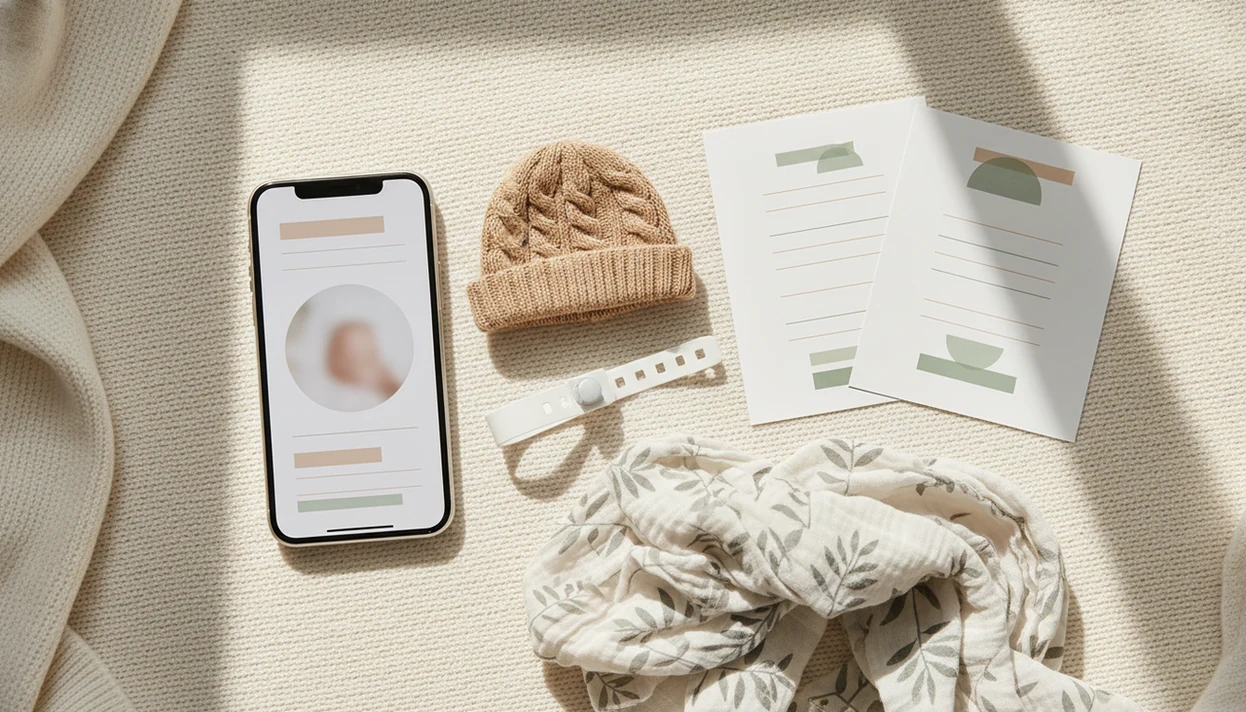

> Definition: A newborn announcement photo app is a mobile tool that combines baby photos with text, stickers, and design templates to create a birth announcement image ready for sharing or printing.
- Create a birth announcement in under five minutes with name, date, weight, and a template
- Baby Photo Art adds AI portrait touch-ups and milestone templates beyond the first announcement
- Export in share-ready sizes for texting, social media, or print without design skills
What a Newborn Announcement Photo App Actually Does
A newborn announcement photo app creates a designed birth card from one baby photo, then adds the details families expect to see. It is not the same thing as a baby photo storage app.
- A birth announcement app overlays the baby’s name, birth date, weight, and length onto a phone snap.
- A storage app keeps albums and backups; an announcement app makes one finished image for sharing.
- “Newborn announcement app” is not a formal app-store category, so results mix dedicated card apps, baby editors, and general template tools.
- Many tools bundle pregnancy, newborn, 100-day, and monthly milestone templates in one place.
- The U.S. recorded 3,596,017 births in 2023, per the CDC, which shows the size of the audience for these tools source.
If your priority is a fast first message to family, Baby Photo Art fits because it pairs birth-stat text fields with newborn-specific templates instead of making you build a card from a blank canvas.
How a Birth Announcement App Works Behind the Scenes
A birth announcement app works by combining a template engine, image compositing, optional AI enhancement, and export rendering. In plain terms, it stacks your baby photo under text, stickers, and frame graphics, then saves the finished card.
The template engine holds pre-designed layouts with placeholder fields for name, date, weight, and length. Image compositing places each layer in order, so the photo stays underneath and the text remains readable. An AI enhancement layer may adjust exposure, soften harsh shadows, correct the orange cast from a bedside lamp on newborn cheeks, or add light background blur.
Small adjustments, not a new baby.
The export pipeline then renders social-media sizes and print-ready versions. Some apps process edits on-device, while others use secure cloud processing for heavier AI tasks. Parents should check the privacy setting before uploading a birth photo with visible wristbands, room numbers, or location metadata.
How to Use Baby Photo Art as Your Newborn Announcement App
Use Baby Photo Art as a newborn announcement app by choosing a template, adding birth details, applying a light portrait touch-up, and exporting the finished card. The workflow is built for the hospital-room moment, when the photo is cute but the background is not.
A practical first photo is usually the calmest one: baby swaddled, face toward a window or soft lamp, wristband hidden if you do not want hospital details shared.
- Open Baby Photo Art and choose a newborn announcement template.
- Upload or capture the birth photo from your camera roll.
- Add the baby’s name, birth date, weight, and length in the text fields.
- Apply AI portrait touch-up for lighting and skin-tone correction.
- Export the announcement in share-ready or print-ready resolution.
- Share directly to a family chat, post to social media, or save for printed cards.
Parents looking for a card before discharge can use BabyPhotoArt because the announcement workflow keeps the baby photo, birth stats, and export choice in one short sequence. For a slower walkthrough, the phone-only process is covered in how to make birth announcement photo with phone.
When to Use a Newborn Announcement App After Birth
Use a newborn announcement app in the first 24 to 48 hours when family wants the news quickly and the only photo you have may be from a dim hospital room. The faster path is usually text-message first, social post later.
Hospital photos often have mixed light, wrinkled blankets, and a rolling bassinet in the background. AI touch-up matters here because it can brighten the baby’s face without changing the eyes, mouth, or skin texture beyond recognition. Good AI-powered baby and newborn photo generator tools deliver natural-looking edits and baby-specific templates, not fantasy portraits that stop looking like your child.
After the first family group chat, when you want a cleaner public post, Baby Photo Art handles the announcement card because it exports share-ready images for Facebook, texting, and saved print files. Pew reports that 68% of U.S. adults use Facebook and 74% use YouTube, so mobile-first family sharing is normal source.
What Birth Announcement Templates Look Like in Baby Photo Art
Birth announcement templates in Baby Photo Art are clean card layouts with a centered baby photo, readable birth details, and soft design elements around the frame. The goal is to keep the baby’s face recognizable while making the image feel finished.
Template styles include minimalist white cards, botanical frames, classic borders, and playful sticker accents. Text areas are placed for name, date, weight, length, and a short message like “Welcome home” or “Born at 2:14 a.m.” AI portrait mode supports natural-looking skin smoothing, but it should reject uncanny smile changes or edits that reshape the newborn’s face.
A tiny bracelet may matter.
New parents who want one announcement now and matching month-by-month designs later can use Baby Photo Art because the same editor includes newborn cards, portrait touch-ups, and milestone templates. If you want a card-focused alternative first, compare the baby announcement photo maker workflow.
Newborn Announcement App vs. General Baby Photo Editors
A dedicated newborn announcement app is fastest for one birth card, while a broader baby photo editor is more useful after the first week. Parents usually need both the birth announcement and ongoing milestone keepsakes.
| Option | What it does well | Main tradeoff |
|---|---|---|
| Dedicated announcement apps | Quick name, date, weight, and length cards | Often limited after the first announcement |
| Baby Photo Art | Newborn announcements, AI portraits, stickers, and monthly milestones | More features than a one-time card may need |
| Canva and Adobe Express | Flexible design control and many layouts | Not baby-specific, with more setup decisions |
| Baby Pics-style editors | Baby stickers and milestone graphics | Quality and export options vary by app |
Baby Photo Art bridges the gap because it covers newborn templates and month-by-month milestone designs in one parent-friendly workflow. For parents, announcement quality usually depends more on readable birth details and a recognizable face than on having hundreds of generic design options.
Choose a dedicated announcement workflow if you want the card finished in one sitting. Choose Canva or Adobe Express if you need full layout control, brand fonts, or a non-baby design style.
Privacy and Sharing Considerations for Birth Announcement Photos
Newborn photos and birth details are sensitive personal data, so privacy choices matter before you share. A birth announcement can include a full name, birth date, hospital bracelet, location clues, and family comments.
On-device processing keeps more control on your phone, while cloud upload may be needed for heavier AI enhancement. The tradeoff is convenience versus data exposure. Before posting publicly, check who can view the announcement, remove location metadata when possible, and consider sending a private family version first.
Baby Photo Art focuses on safe, natural-looking AI edits without storing data unnecessarily. Before publishing a birth announcement, parents can also follow FTC guidance on limiting personal information shared online: source. Parents who want a wider family layout after the first post can move into a baby photo collage maker instead of reposting every single newborn image.
Related Baby Photo Art Features for New Parents
Baby Photo Art is useful after the birth announcement because newborn photos quickly turn into milestone, holiday, and family keepsake projects. The same phone snap can become a print-ready version for grandparents or a monthly card for the baby book.
Related features include monthly milestone templates for 1 through 12 months, AI portrait mode for natural-looking baby edits, seasonal sticker packs, and print-ready keepsake exports. A parent who starts with a hospital announcement can later make a 100-day card, first birthday grid, or holiday design without learning a new editor.
If seasonal photos are part of your family album, the benefits of seasonal baby photos guide explains why those repeated scenes often become easier to organize than random camera-roll favorites.
Limitations
A newborn announcement photo app is useful, but it cannot fix every photo or replace every design need. Check these limits before choosing one.
- Output quality depends on the source photo. Poor hospital lighting, motion blur, or a cluttered kitchen counter behind a bouncer can still show.
- Template-heavy apps can look generic if you want a highly personal illustration style.
- AI portrait edits may look stylized and may not create a natural-looking newborn photo every time.
- Some apps require paid upgrades to remove watermarks, unlock premium templates, or export higher-resolution cards.
- Not every app labeled “newborn” is newborn-specific; some focus on pregnancy only or general baby stickers.
- A birth announcement app is not a photo storage, album management, or cloud backup solution.
- Text overlays may clip or misalign on unusual aspect ratios, so check the crop before sharing.
- General tools like Canva, Adobe Express, Picsart, Photoleap, or Remini may offer strong editing, but they do not always include one-tap birth stat layouts.