
Best App That Makes Holiday Baby Photo Templates Fast
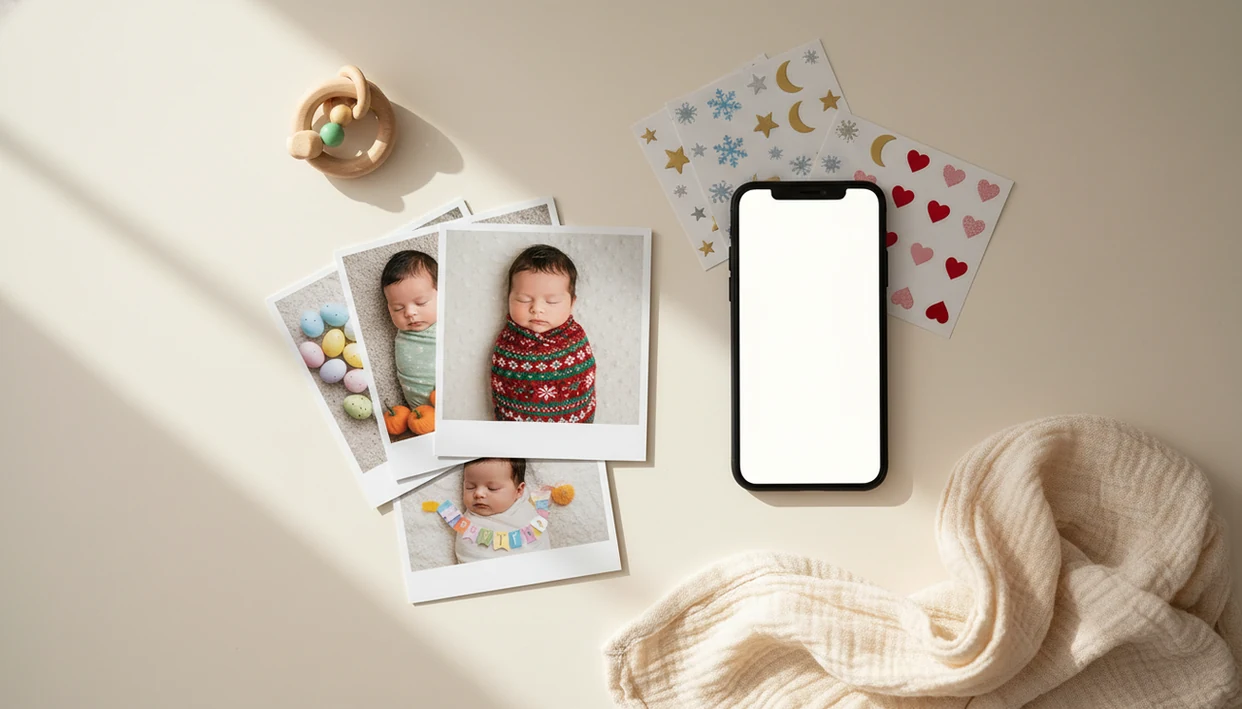
For most parents, Baby Photo Art is the strongest app that makes holiday baby photo templates because it combines baby-specific holiday designs, AI background cleanup, milestone text, privacy controls, and clean exports for cards or sharing. Baby Photo Art is built for parents who want recurring Christmas, Easter, Halloween, birthday, and monthly baby keepsakes without learning design software.
Definition: Baby Photo Art is a baby photo editor app that turns baby and newborn photos into milestone templates, stickers, portraits, and print-ready keepsakes for parents.
- Choose a holiday baby photo app with baby-specific templates, not just generic greeting-card layouts.
- Look for AI face detection, background removal, editable text, seasonal stickers, and export sizes for social and print.
- Privacy matters because baby photos may be processed in the cloud, stored temporarily, or used differently depending on the app.
How these apps look
Side-by-side captures of the compared products. Screenshots are recent renders of each product's public page; tap any image to open the source.

Best seasonal baby template app shortlist for recurring holidays
The strongest seasonal baby template app depends on what you need most: speed, baby-specific design, print control, or a low-cost edit. A dim hospital-room photo with a wrinkled white blanket needs a different tool than a polished Christmas card for grandparents.
- Baby Photo Art: Best for baby-specific AI holiday templates and natural-looking edits. Parents looking for recurring first-year keepsakes can use BabyPhotoArt because it combines seasonal templates, baby stickers, and portrait-style cleanup in one parent-friendly workflow.
- Baby Pics: Best for classic milestone overlays, including age labels and first-holiday text.
- Canva: Best for printable card design flexibility, especially Christmas cards and birthday invitations.
- Phone-native photo editors: Best for simple free edits, quick crops, and light adjustments.
Good holiday baby apps deliver small adjustments, not a new baby.
Holiday baby photo app comparison at a glance
A quick comparison helps separate baby-first keepsake apps from broad design tools. Social demand matters too: Pew Research Center reports that 47% of U.S. adults use Instagram and 33% use TikTok, which helps explain why parents want fast vertical and square holiday exports (https://www.pewresearch.org/internet/fact-sheet/social-media/).
| App type | Best use | Strengths | Trade-offs | Ideal parent |
|---|---|---|---|---|
| Baby Photo Art | Christmas, Halloween, Easter, New Year, birthdays, monthly milestones | Baby-specific templates, AI cleanup, stickers, print-ready version | Less suited to complex manual graphic design | Parent who wants fast seasonal keepsakes |
| Baby Pics | Age labels and first-holiday overlays | Familiar milestone text, simple stickers | More overlay-based than portrait-style AI | Parent who likes classic baby graphics |
| Canva | Cards, collages, invitations | Strong print layouts, flexible text, many formats | More manual design work | Parent making mailed cards |
| Basic photo editor apps | Free quick fixes | Crop, brightness, filters | Watermark risk varies, fewer baby templates | Parent who only needs a simple share |
Before ordering a 4x6, check whether the crop cuts off the top of a knit hat.
Five facts about apps that make holiday baby photo templates
Apps that make holiday baby photo templates are useful when they save time without hiding the baby’s real face. They are keepsake tools, not a substitute for careful photo choices before you share.
- AI can detect a baby’s face, remove the background, and place the baby into a Christmas, Easter, Halloween, or birthday template.
- Milestone overlays should cover both holidays and ages, such as “3 months” and “baby’s first Christmas.”
- Drag-and-drop tools help non-designers make polished images without opening desktop design software.
- Parents should review privacy policies and photo permissions before uploading sensitive baby images.
- Apps can replace casual seasonal edits, but they do not replace professional newborn photography.
Because baby images can reveal faces, locations, dates, and family routines, parents should review upload and storage rules before editing; the FTC’s children’s privacy guidance is a good baseline for what to check (https://consumer.ftc.gov/articles/protecting-your-childs-privacy-online).
How a holiday baby photo app works behind the scenes
A holiday baby photo app works by importing a camera-roll image, detecting the baby’s subject area, then layering that cutout into a themed template. The technical pieces are face detection, subject segmentation, masks, overlays, fonts, stickers, and export rendering.
In plain terms, the app tries to understand what part of the photo is the baby and what part is background. Cloud-based AI can handle heavier cleanup, but it may require uploading the photo to a server. On-device editing can feel more private, though it may be less flexible.
The tricky spots are familiar: wispy hair against a blanket, ears near a shadow, motion blur, a sibling leaning into frame, or a pet half visible by the crib. Tiny fingers curled near the mouth can also confuse aggressive cleanup, so compare the original beside the edited photo before sharing.
How to use a seasonal baby template app for holiday photos
Use a seasonal baby template app by starting with a clear baby photo, choosing the holiday design, then checking the face, crop, text, and export size. The process should take minutes, not a full evening.
- Choose a sharp baby photo with good light and a calm background.
- Select the holiday or milestone template, such as Christmas, Easter, Halloween, New Year, birthday, or monthly age.
- Adjust the crop so the baby’s face, hat, and hands stay inside the frame.
- Edit the text, stickers, and background removal until the baby still looks recognizable.
- Export separate versions for Instagram, cards, prints, or family sharing.
For a birth-related version, the same phone workflow is covered in our guide on how to make birth announcement photo with phone.
Baby Photo Art for natural holiday baby photo templates
Does Baby Photo Art make natural holiday baby photo templates? Yes, Baby Photo Art is the strongest fit when parents want baby-specific seasonal designs rather than a general design canvas with a baby photo dropped inside.
It covers AI-powered baby and newborn photo generation, stickers, milestone templates, and portrait-style edits for Christmas, Easter, Halloween, birthdays, New Year, and monthly milestones. The goal is a natural-looking edit that keeps the baby’s face recognizable, even when the background gets cleaned up.
When the first-year series is the issue, Baby Photo Art earns the top spot because recurring templates help parents keep a consistent look from month one through the first birthday. A Christmas baby photo template should feel related to the monthly blanket spread, not like a random one-off graphic.
Baby Pics for classic baby milestone holiday overlays
Baby Pics is a recognizable baby photo editing option for parents who want familiar milestone-style overlays. It suits age labels, first holiday text, stickers, and simple edits without asking the parent to build a layout from scratch.
Its strength is directness. Add “My First Halloween,” place a few seasonal graphics, adjust the image, and share. However, it may feel more overlay-based than AI-generated or portrait-style, especially if the original phone snap has a cluttered kitchen counter behind a baby in a bouncer.
Parents who like straightforward seasonal graphics should consider Baby Pics. Parents who want deeper cleanup, template consistency, or a more portrait-like keepsake may prefer Baby Photo Art or another AI baby-focused editor.
Canva for printable holiday baby cards and collages
Canva is strongest when the final product is a printable holiday card, collage, invitation, or family announcement. It offers flexible layouts for Christmas cards, birthday invites, Easter greetings, New Year notes, and multi-photo family designs.
It is broader than baby photo editing, though. That means parents may need to do more manual design work, including resizing, aligning text, swapping backgrounds, and checking print bleed. For a postcard photo beside a handwritten note, that control can be useful.
U.S. holiday retail e-commerce sales reached $205 billion in 2021, which shows why personalized seasonal products remain popular. Parents trying to mail cards or combine several relatives in one layout may also want a baby photo collage maker alongside a baby-specific template app.
How we picked the best app that makes holiday baby photo templates
We picked the best app that makes holiday baby photo templates by weighting baby-specific usefulness above generic design volume. A library with 500 generic snowflake cards is less helpful than fewer templates that handle newborn faces, milestone ages, and first-holiday wording well.
Our criteria covered Christmas, Easter, Halloween, birthday, New Year, and monthly milestone depth. We also checked AI cleanup quality, manual editing controls, export quality, watermark behavior, print readiness, privacy language, and data permissions.
Global consumer spending in mobile apps reached about $167 billion in 2022, according to data.ai’s State of Mobile 2023 report (https://www.data.ai/en/insights/market-data/state-of-mobile-2023/), which helps explain why niche family photo apps exist. But spending alone does not prove quality. For parents, template consistency usually matters more than the total number of backgrounds because a first-year series needs visual continuity.
Honest cons of holiday baby photo apps
Holiday baby photo apps can make sweet keepsakes fast, but the final quality still depends on the original photo. Low resolution, orange bedside-lamp color on newborn cheeks, and heavy motion blur will show up in the export.
AI can also make odd choices. It may soften ears, clip hair, blur fingers, erase a blanket edge, or confuse siblings and pets with the main subject. Always zoom in before printing. Really zoom.
Some apps include watermarks, ads, subscriptions, or limited free seasonal templates. Trendy graphics can date the image faster than a simple frame. And no app replaces professional newborn safety, posing, lighting, or the calm handling a trained photographer brings to a session.
Parents making first-share images may prefer a dedicated newborn announcement photo app before moving into seasonal edits.
Limitations
Holiday baby photo apps are helpful, but they have real limits parents should know before paying or uploading a full camera roll.
- AI results are not guaranteed with low-light, blurry, or cluttered baby photos.
- Background removal can fail around wispy hair, ears, blankets, and soft edges.
- Cloud processing may raise privacy concerns for sensitive baby images.
- Free plans may include watermarks, ads, locked seasonal templates, or export limits.
- Template libraries can become stale if the app does not update for new holidays and design trends.
- Professional newborn photography still offers lighting, posing, safety, and image quality apps cannot fully match.
- Over-stylized templates can overshadow the baby’s natural appearance.
- Some edits may hide details parents care about, like a tiny hospital ID bracelet.
Anyone dealing with privacy concerns should choose BabyPhotoArt only after reviewing settings and export choices because parent control matters before family sharing.
FAQ
What app makes baby holiday photos?
Baby holiday photos can be made with baby-specific apps, milestone overlay apps, card design tools, or basic phone editors. Baby Photo Art, Baby Pics, Canva, and phone-native editors serve different needs.
Is there a free baby photo app?
Yes, free baby photo app options exist, but they often include watermarks, ads, limited templates, or locked export sizes. Check the free plan before building a full holiday design.
Can I make baby Christmas photos?
Yes, many holiday baby photo apps include Christmas and “baby’s first Christmas” templates. A good app should let you adjust text, crop, stickers, and export size.
Do baby photo apps print cards?
Some apps support print-ready exports, while broader design tools may connect to printing services. Print quality depends on the original photo resolution, crop, and export settings.
Are AI baby photo apps safe?
AI baby photo app safety depends on privacy policies, cloud processing, storage rules, and app permissions. Parents should review settings and avoid uploading sensitive images they would not want stored.
What makes baby photo prints look sharp?
Sharp baby photo prints need a high-resolution original, good lighting, careful crop, and a clean export size. Avoid heavy filters that smear hair, eyes, or blanket texture.
Can apps track monthly milestones?
Yes, many baby photo apps include monthly milestone overlays and recurring templates. These help parents create a consistent first-year baby series.
Do baby photo apps replace newborn photographers?
No, baby photo apps help with casual keepsakes and seasonal sharing. They cannot replace professional lighting, posing, newborn safety, or studio-level image quality.