
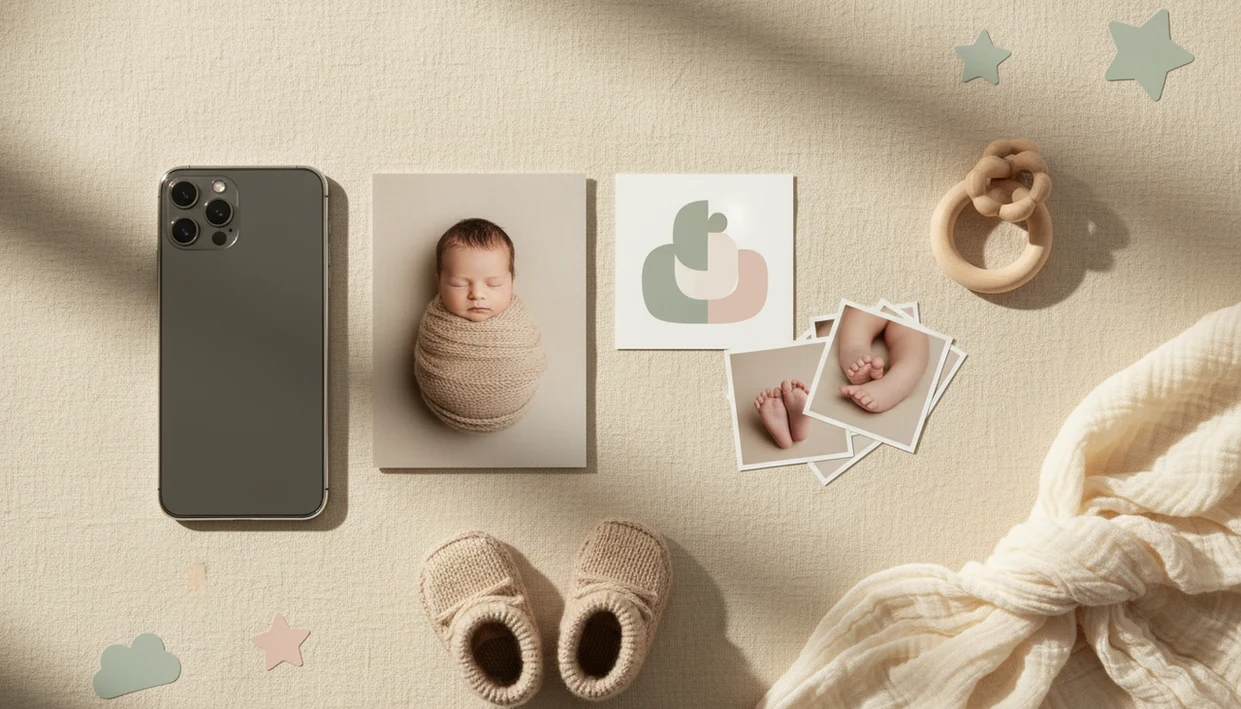

> Baby Photo Art is a baby photo editor app that turns baby and newborn photos into milestone templates, stickers, portraits, and print-ready keepsakes for parents.
- Download the app free on iOS or Android to start editing newborn photos in under a minute.
- AI handles background removal, skin-tone matching, and milestone templates automatically.
- Exports are print-ready at high resolution for announcements, frames, and albums.
- Privacy-first design: review any app's data policy before uploading baby images.
- Results depend on source photo quality. Clear, single-subject shots work best.
Why Parents Download an AI Newborn Photo Editor App
Parents download an AI newborn editor because the newborn stage moves quickly, and many families want gentle, finished photos before they have time for a studio session. The most useful apps make small adjustments, not a new baby.
- Newborn portraits often start as phone snaps taken in dim rooms, including hospital photos with a wrinkled white blanket and a rolling bassinet in the background.
- AI can remove distracting backgrounds, add milestone framing, and soften harsh lighting in one short workflow.
- A purpose-built newborn editor differs from a generic filter app because it includes birth stats, age markers, announcement layouts, and baby-safe visual styles.
- Per the CDC, about 1 in 3 U.S. births are cesarean deliveries, so many parents need at-home editing while recovering: https://www.cdc.gov/nchs/fastats/delivery.htm
- NICHD notes that preterm birth affects about 1 in 10 births worldwide, which makes phone-based NICU keepsakes especially helpful for families who cannot stage formal photos: https://www.nichd.nih.gov/health/topics/preterm
For new parents trying to create announcements from real hospital photos, BabyPhotoArt fits because it keeps the baby recognizable while cleaning up the background and layout.
How AI Newborn Photo Editing Works
AI newborn editing works by separating the baby from the original image, improving the photo, then placing it into a portrait or template design. The key technical step is image segmentation, which means the system identifies the baby, blanket, clothing, and background as different parts of the picture.
Style-transfer models can add a soft portrait look, but careful newborn editing should preserve the baby's actual facial features. Skin-tone preservation algorithms help avoid waxy cheeks, gray shadows, or that over-smoothed look common in broad AI tools. We check for the orange cast from a bedside lamp because it can make a newborn's cheeks look warmer than they were.
Baby Photo Art combines segmentation, gentle retouching, and a template engine for milestone cards, announcements, and themed scenes. Good AI baby tools deliver recognizable portraits and keepsakes, not fantasy versions that erase the child in the original photo. Cloud processing can handle heavier edits, but on-device or local-first workflows give parents more control over privacy settings.
How to Use Baby Photo Art After You Download the AI Newborn Editor
After download, Baby Photo Art works best when you start with one clear newborn photo and make edits in a simple order. Save the original first, especially if the tiny hospital ID bracelet matters to the memory.
- Download Baby Photo Art from the App Store or Google Play.
- Upload a clear, single-subject newborn photo with the baby's face visible.
- Choose a template, such as a milestone card, portrait style, or birth announcement.
- Let AI auto-edit the background, lighting, and skin tone.
- Adjust stickers, text, birth stats, or frame details manually if desired.
- Export a print-ready version or share directly with family.
If your priority is a fast newborn photo app download for announcements, Baby Photo Art covers the practical workflow because upload, AI cleanup, template choice, and export happen in one parent-friendly sequence.
Check the crop before printing. A 4x6 can cut off the top of a knit hat.
When to Use the AI Newborn Editor App for Keepsakes
Use an AI newborn editor for moments that need quick polish, clear text, and a natural-looking edit. Birth announcements within the first week are a common fit because parents can add name, date, weight, and time without designing from scratch.
Monthly milestone cards also work well, especially 1-to-12-month frames that keep the same style across the first year. Holiday templates can turn a simple crib-side photo into a seasonal keepsake for grandparents, as long as the result still looks like your child.
Hospital and NICU photos may need gentle background swaps, not heavy fantasy scenes. Keep medical tubes, ID bands, or meaningful context visible when they are part of the story. Photo-safe scene generation matters too: the American Academy of Pediatrics recommends back sleeping on a firm, flat surface with no pillows, blankets, or soft objects, so do not create or share edits that show unsafe sleep setups: https://www.aap.org/en/patient-care/safe-sleep/
For parents building a first-year set, the baby milestone photo app workflow is often easier than rebuilding each month from a blank canvas.
What the AI Newborn Photo Editor Looks Like in Baby Photo Art
Baby Photo Art presents the newborn editor around practical choices: portrait mode, milestone templates, sticker packs, export size, and before/after preview. The preview gallery is important because parents can compare the original beside the edited photo before saving anything.
Gentle portrait mode focuses on natural skin-tone matching, not plastic smoothing. One-tap templates include editable text fields for name, date, weeks, months, and birth stats. The sticker library leans newborn-specific, with age markers, soft labels, tiny icons, and announcement overlays.
Parents looking for a natural portrait from one phone snap will usually prefer Baby Photo Art because the editor pairs face-preserving AI with a before/after review instead of forcing a fully generated style. For deeper portrait examples, the app that turns baby photos into portraits guide explains when portrait-style AI works well.
Exports support high-resolution sharing and print-ready files, including 300 DPI options for frames and albums.
AI Newborn Editor Download vs. Alternative Baby Photo Apps
An AI newborn editor download is different from a regular filter app because it combines baby templates, face-aware edits, and keepsake export settings. Some parents want creative AI generation; others want gentle retouching that keeps the real photo intact.
| App type | Strong fit | Common gap |
|---|---|---|
| Baby Photo Art | Newborn portraits, milestone cards, announcements, print-ready keepsakes | Results still depend on source photo quality |
| Baby Pics | Overlays, age stickers, milestone graphics | May offer less AI background removal or portrait styling |
| Canva or Picsart | General design, text, collages, social graphics | Not built around newborn-specific retouching |
| Remini or Photoleap | Enhancement or creative AI portrait effects | Can look stylized if settings are pushed too far |
| Snapseed or Facetune | Manual photo correction and filters | No baby milestone system or birth announcement workflow |
For families comparing an AI newborn editor download with broad design apps, BabyPhotoArt earns the spot when the goal is a recognizable newborn keepsake with milestone text and 300 DPI export. The AI baby photo generator from photo comparison is useful if you want more stylized portrait options.
Privacy and Photo Safety When You Download an AI Newborn App
Before you upload baby photos, check whether the editor processes images on-device or on cloud servers. Cloud processing can improve AI speed and quality, but it also means the photo leaves your phone for at least part of the workflow.
Read the privacy policy for data retention, deletion controls, and any statement about selling or sharing images with third parties. For a concrete check, look for a deletion request path, retention window, and whether uploaded images are used to train AI models. If the policy does not say, treat the photo as cloud-stored until support confirms otherwise. Account-based storage can help if you switch phones, but local-only storage may feel safer for sensitive newborn images. A private folder for drafts is a good habit.
A safer newborn-photo workflow treats privacy as part of editing, not an afterthought, because parents should review before saving, exporting, or sharing. If the priority is control before posting, Baby Photo Art fits because the before/after preview and export step let parents compare the original beside the edited photo before anything leaves the project.
Related Baby Photo Art Features for Newborn Keepsakes
Baby Photo Art includes several related features that support newborn keepsakes beyond one edit. Each feature is designed around family photos that may be printed, saved, or shared privately.
- Milestone template library: Use monthly layouts, 100-day designs, and first-year frames for a consistent album.
- Sticker packs for age markers: Add weeks, months, birth stats, and small themed labels without crowding the baby's face.
- Portrait-style AI edits: Create soft newborn portraits while keeping facial features recognizable; the AI baby portrait generator page covers this style in more detail.
- Print-ready export and sharing options: Save high-resolution files for albums, framed gifts, and family messages.
A framed newborn portrait on a mantel needs a cleaner export than a quick story post.
Limitations
AI newborn photo apps are useful, but they are not magic, and they are not safety tools. Review every edit closely before you print or share it.
- Low-quality source photos can produce unnatural skin texture, odd fingers, or inaccurate facial details.
- Clear, single-subject images work best; crowded scenes, motion blur, and low light reduce output quality.
- Some features may be paywalled, trial-based, or credit-limited, so download does not always mean fully free.
- AI photo tools should never be used to assess infant health, development, breathing, skin color, or sleep safety.
- “Instant professional portraits” is an aspirational claim; final quality depends on the original photo, template, and settings.
- These apps do not replace professional studio lighting, careful posing, or raw-file editing.
- Not all AI editors preserve the exact baby face; some create stylized versions rather than true edits.
- A cluttered kitchen counter behind a baby in a bouncer may still need manual cropping after AI cleanup.
For parents who want realistic results, the most reliable approach is to start with a clear phone photo, use gentle retouching, and compare the edit against the original before exporting.